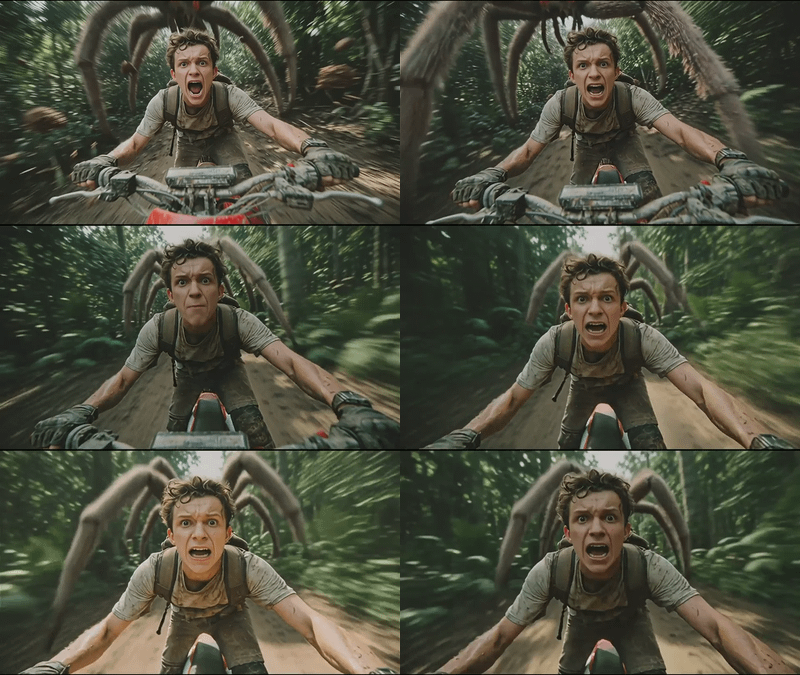
Pixverse Swap for Image to Video Swap

You can swap object,, character and background using PixVerse
Floyo API
Image2Video
PixVerse
Video
679
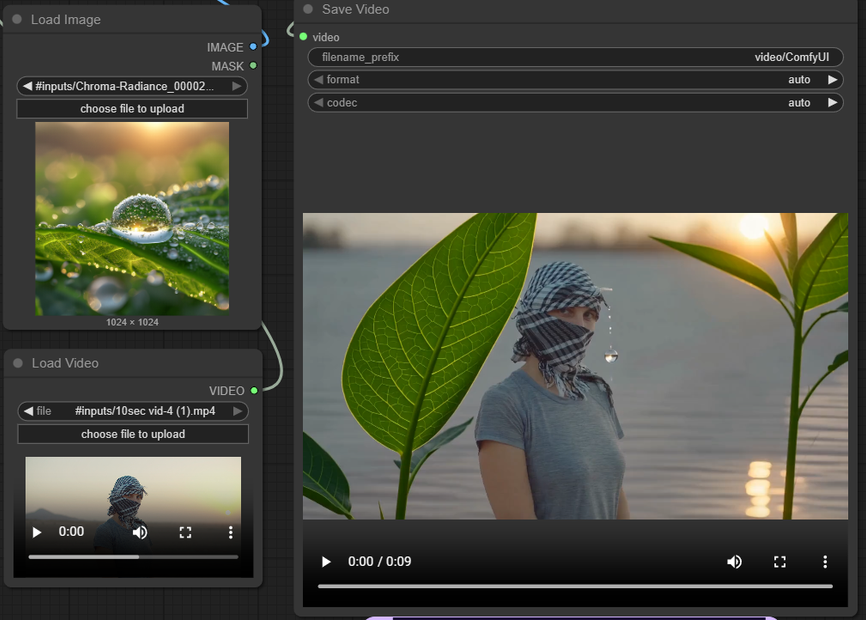
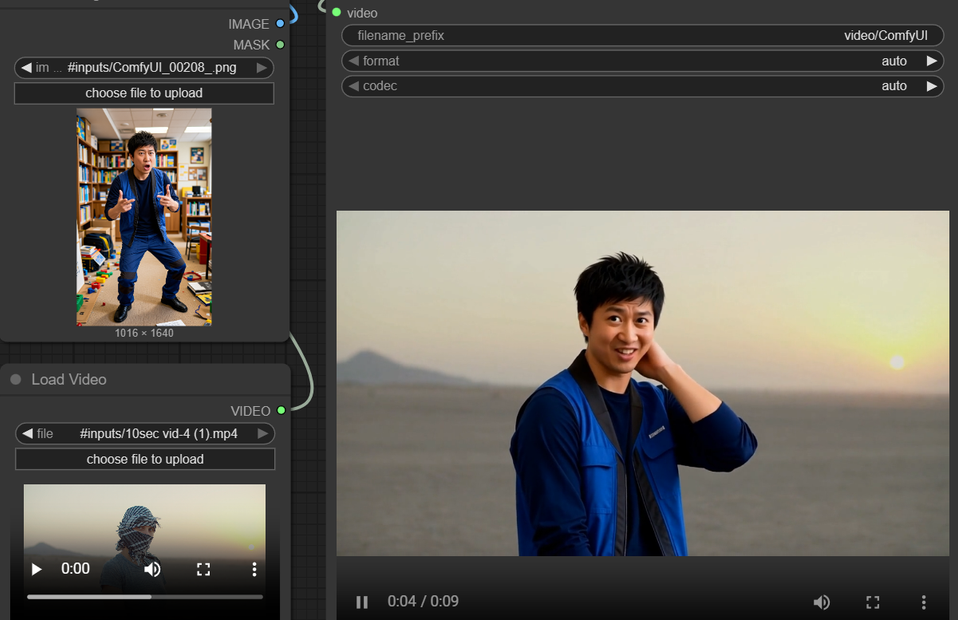


Nodes & Models
PixverseSwapNode_floyo
VideoToFrames
LoadImage
LoadVideo
WorkflowGraphics
CreateVideo
SaveVideo
PixVerse’s Swap API is an image‑to‑video editor that lets you replace a person, object, or background in an existing clip using a single reference image, while keeping the original motion, timing, and camera work.
Overview
The Swap endpoint takes two main inputs: a source video whose choreography you like, and a reference image that defines the new look for a character, object, or environment. The model then re‑renders only the chosen element across all frames, preserving body movement, facial orientation, lighting, and perspective from the original footage.
What you can swap
Person mode: Replace the main person with a new person/character from the reference image (actor change, stylized hero, VTuber avatar, etc.).
Object mode: Replace a key object (phone, product, prop) with another object from the image while keeping hand motion and interaction timing.
Background mode: Keep the subject but swap the environment (room, city, landscape) using a reference scene image.
Key controls
Inputs:
video(source clip) +image(reference).Mode:
person,object, orbackgroundto tell the model what to replace.Resolution: typically 360p, 540p, or 720p depending on quality vs cost needs.
Audio: you can usually keep the original audio so dialogue, music, and SFX stay perfectly in sync.
Why it’s useful
Preserves performance and cinematography while changing who or what appears on screen, which is much faster than regenerating video from scratch.
Automates compositing that would normally require rotoscoping, keying, and manual masking across hundreds of frames.
Fits well into pipelines where you animate with one model (for example, generic I2V) and then “reskin” characters, props, or locations via Swap.
Typical use cases
Character re‑imagination: Swap a real actor with a stylized hero, fantasy creature, or brand mascot while keeping the same acting and camera.
Product and prop replacement: Replace phones, bottles, or logos in existing footage with new designs for updated campaigns.
Background and scene relocation: Move the same action into a different time, weather, or architecture by swapping only the background.
Read more