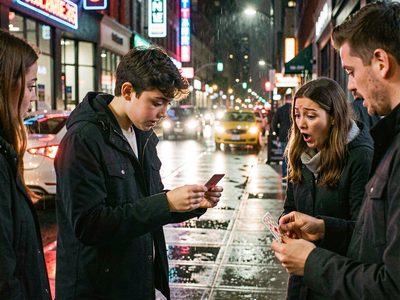
Ovis Text to Image
Image
Ovis
Text2Image
Typography
630






Nodes & Models
VAELoader
ae.safetensors
UNETLoader
ovis_image_bf16.safetensors
CLIPLoader
ovis_2.5.safetensors
EmptyLatentImage
PrimitiveStringMultiline
WorkflowGraphics
ModelSamplingFlux
CLIPTextEncode
KSampler
VAEDecode
PreviewImage
Overview
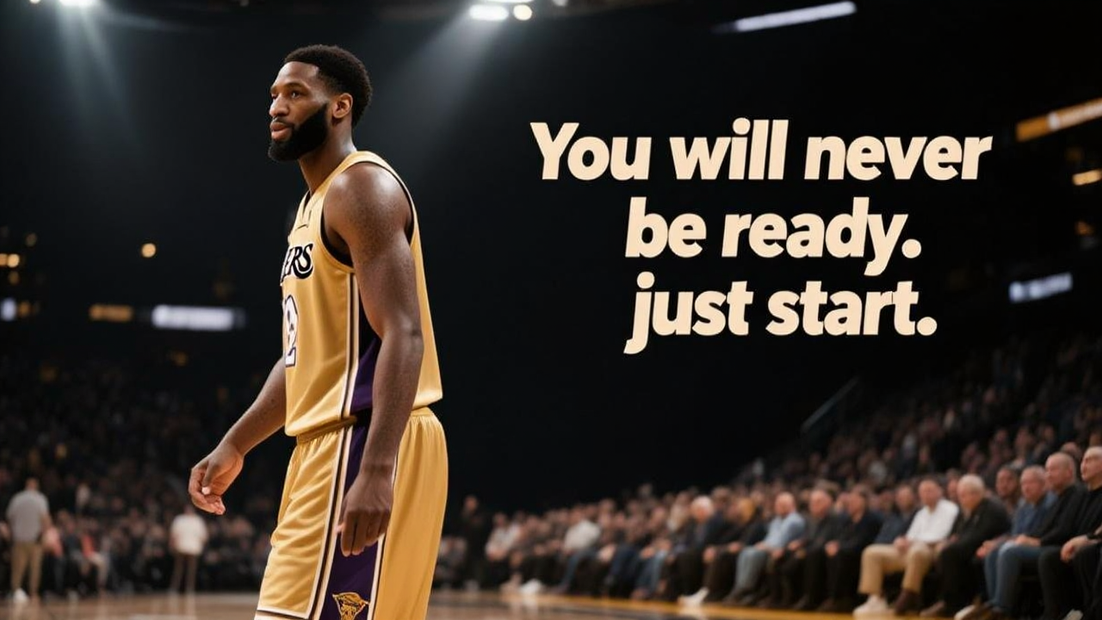
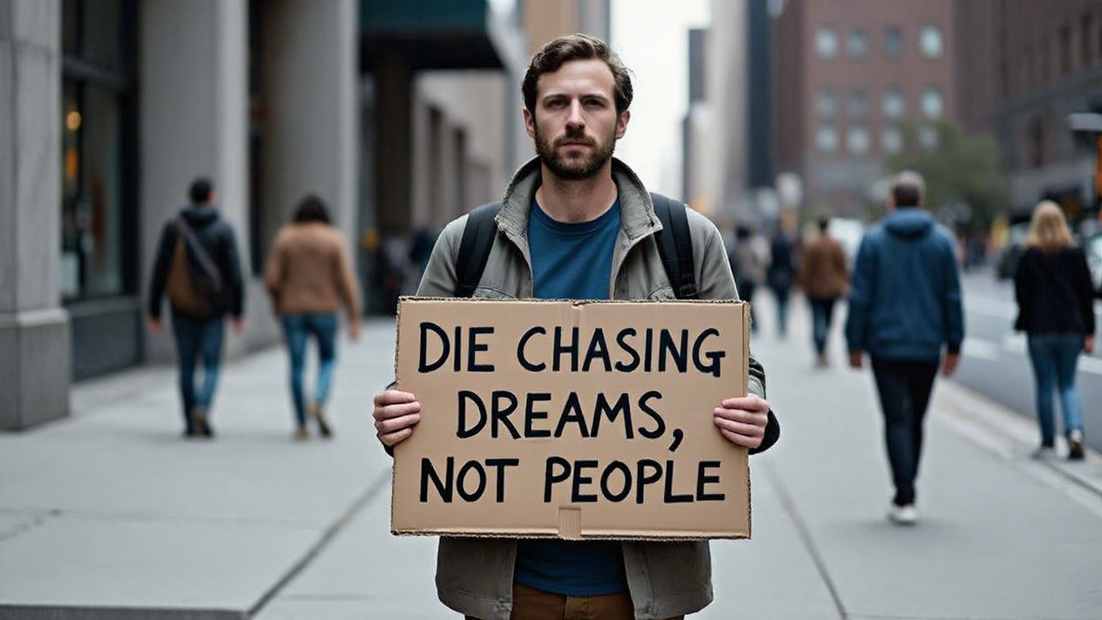
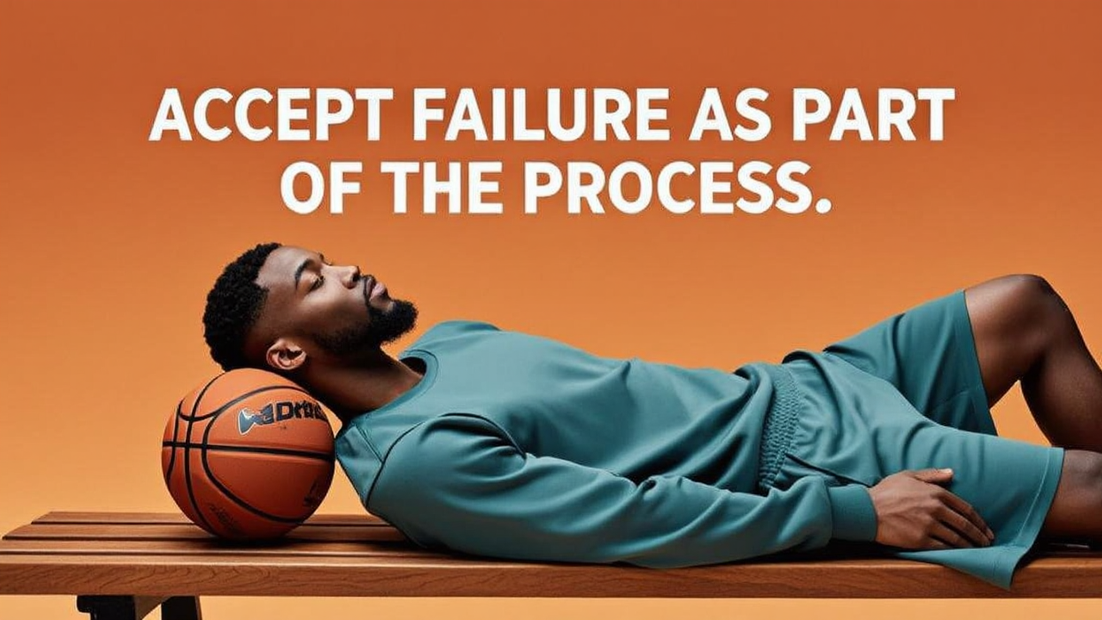
Ovis‑Image is a 7B text‑to‑image model tuned specifically for sharp, correctly spelled text inside images, not just pretty backgrounds. It combines a multimodal backbone with a diffusion visual decoder and a text‑centric training recipe so it can place words in banners, posters, UI mocks, and product shots with good alignment and legibility, in both English and Chinese. This makes it ideal when you want “finished” graphics that already include headings, taglines, or button labels, instead of adding text later in Photoshop or Figma.
What it is good for
Ovis Text for Image works very well for:
Marketing graphics: hero banners, ad creatives, social posts with overlaid headlines and call‑to‑action text.
UI and app mockups: screens with legible buttons, menus, and panel titles that look like real product shots.
Posters and slides: titles, subtitles, and small blocks of copy integrated into a designed layout.
Logos and labels: simple logo wordmarks, product packaging text, and stickers where spelling must be correct.
Benchmarks show its word accuracy rivals much larger models while staying small enough to run on a single GPU or fast cloud endpoint.
How to write prompts
A practical prompt structure for Ovis Text for Image looks like:
Describe the scene: “minimal product shot of a skincare bottle on a soft beige background, soft shadows.”
Specify exact text in quotes: “headline text at the top: ‘Glow Serum’, smaller tagline under it: ‘Radiance in every drop’.”
Add layout and style: “centered layout, clean sans‑serif font, high contrast, 4:5 vertical for Instagram.”
Ovis uses these details to place and render the text sharply inside the image, typically at resolutions up to about 1024×768 or similar aspect ratios depending on the API or UI.
Who can benefit
Ovis Text for Image is useful for:
Creators and social media managers who need fast, ready‑to‑post images with titles and captions baked in.
Designers and marketers building campaigns, landing pages, and A/B test variants where only the wording changes across many similar layouts.
Developers who want to generate banners, UI states, or email headers on the fly via API without manual typography work.
Used this way, Ovis becomes a specialized “text in image” engine: you focus on what the text should say and how the design should feel, and it handles both the artwork and the typography in one generation.
Read more