Isometric Miniatures from a Selfie
2*2 Grid
Image
NanoBanana
0
342

Nodes & Models
NanoBananaEdit_floyo
PrimitiveStringMultiline
PrimitiveInt
LoadImage
RegexReplace
StringConcatenate
PreviewAny
SaveImage
GetImageSize
ImageCrop
PreviewImage
SimpleMath+
SimpleMath+
ImageBatchMulti
ImageResizeKJv2
ImageBatchMulti
ImageBatchMulti
ImageResizeKJv2
ImageResizeKJv2
2×2 Isometric Miniatures – Character Grid Generation (Stable Workflow)
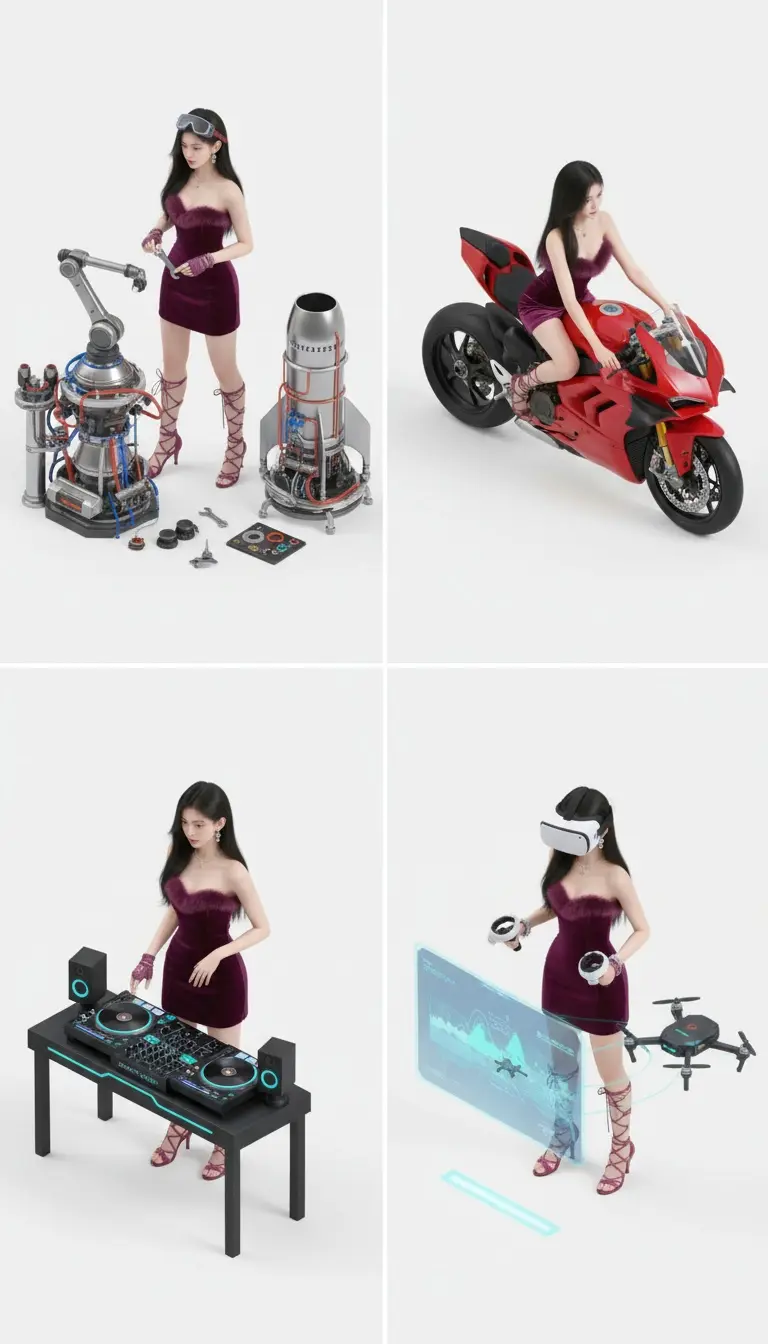
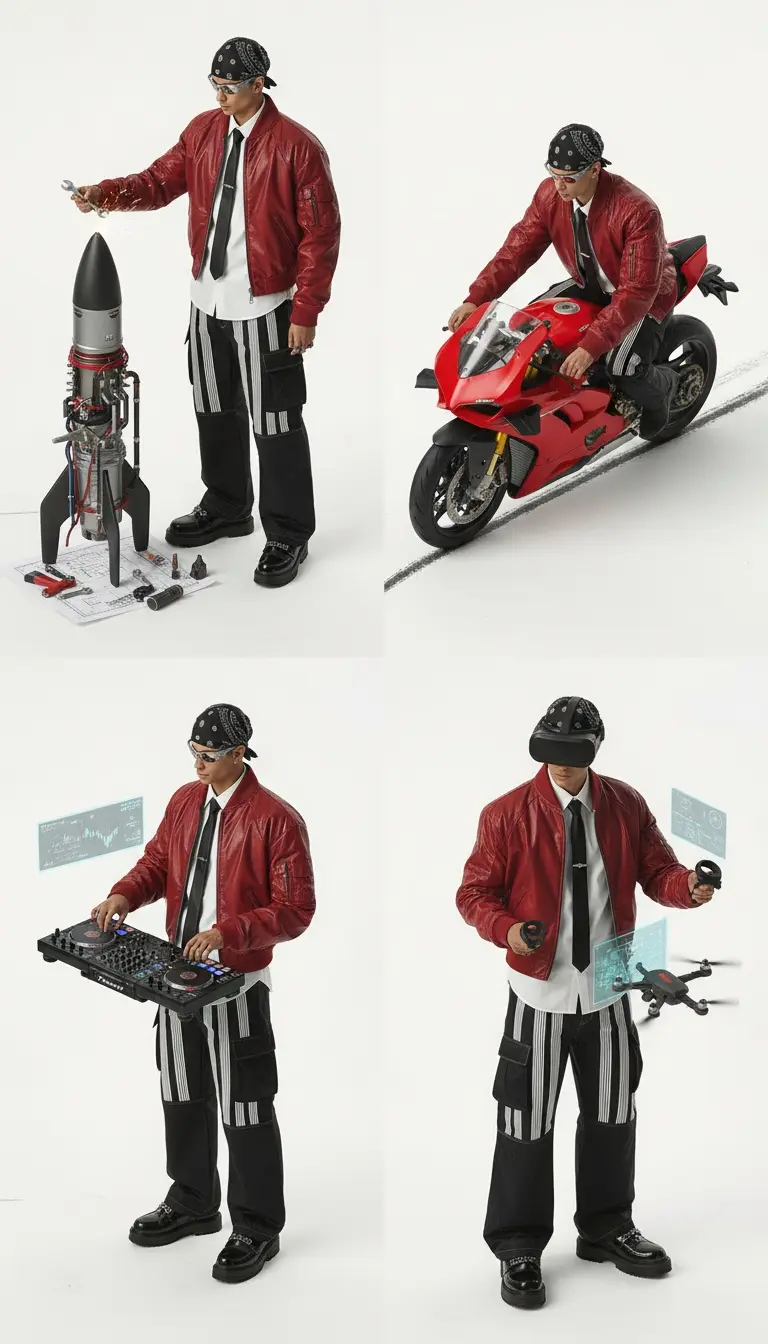
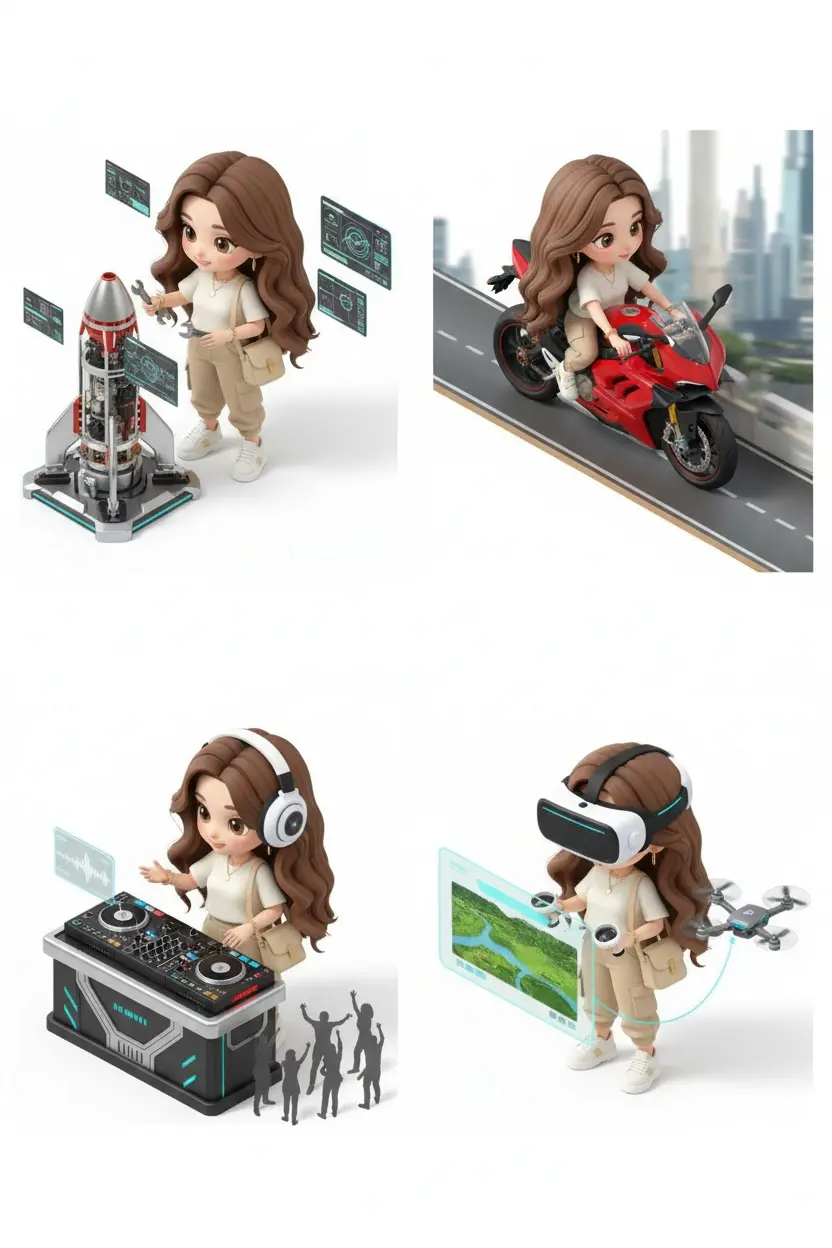
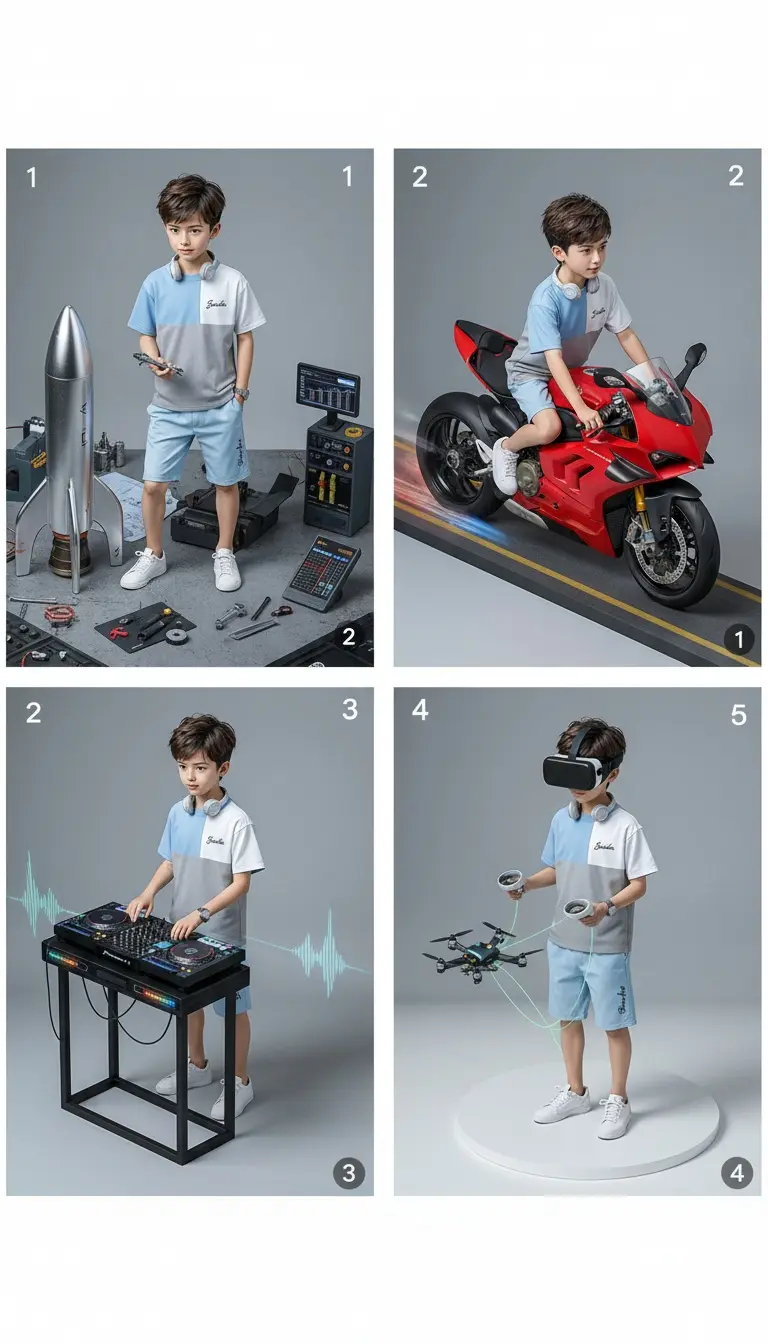
This workflow generates a clean 2×2 grid of isometric miniature scenes from a single character image, producing four distinct yet consistent variations in one unified composition.
No manual layout design.
No external image editing.
No post-compositing work.
The system keeps the character’s identity and appearance intact while placing them into multiple miniature scenes, arranged automatically into a perfectly aligned grid.
Everything stays consistent:
✔ Same character identity and facial features
✔ Same outfit and clothing details
✔ Same proportions, scale, and body structure
✔ Same visual style and rendering quality
Only the scene, action, or role changes in each frame—clearly separated and visually balanced.
How It Works
1. Upload the Character Image
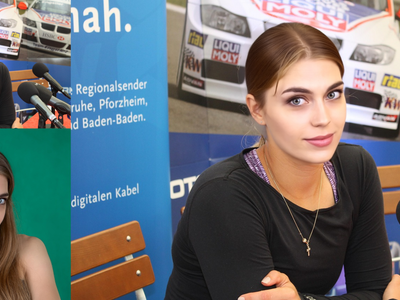
Upload a single character, selfie, or portrait image.
This image defines:
✔ character identity
✔ face and body proportions
✔ clothing and outfit details
✔ overall visual style
The character remains visually consistent across all frames.
2. Describe the Outfit
Provide a short description of what the character is wearing (or reuse the original outfit).
This ensures:
✔ clothing consistency across all scenes
✔ no accidental outfit changes
✔ uniform appearance in the grid
3. Describe Multiple Scenes or Actions
Define four different scenes, actions, or roles—one for each grid cell.
Each description controls:
✔ pose or activity
✔ environment or context
✔ mood and narrative
All scenes are rendered independently but styled coherently.
4. Intelligent Prompt Assembly
The workflow dynamically merges:
✔ character identity
✔ outfit description
✔ per-frame scene descriptions
A single structured prompt is generated automatically for reliable multi-frame output.
5. Grid-Aware Image Generation
The system instructs the image model to:
✔ generate a true 2×2 grid
✔ keep all frames oriented the same way
✔ avoid borders, gutters, or misalignment
Each frame is visually distinct but compositionally consistent.
6. Automatic Grid Cropping & Alignment
The generated grid is mathematically split into four equal images:
✔ precise cropping
✔ equal sizing
✔ correct row/column placement
Each image is also saved individually for reuse.
7. Save Final Outputs
The workflow saves:
✔ the full 2×2 grid image
✔ all four individual frames
✔ preview-ready resized outputs
Everything is ready immediately after generation.
🎯 Final Result
You get a clean, production-ready isometric miniature grid that:
✨ Shows one character in four different roles or scenes
✨ Maintains perfect identity and outfit consistency
✨ Requires only one input image
✨ Ideal for character concepts, profile cards, storytelling, avatars, and creative exploration
The final output looks like a professionally designed character grid—without manual layout work or image editing.
Read more