
Hunyuan Video LoRA Trainer
API
Hunyuan
LoRA
Trainer
1
305
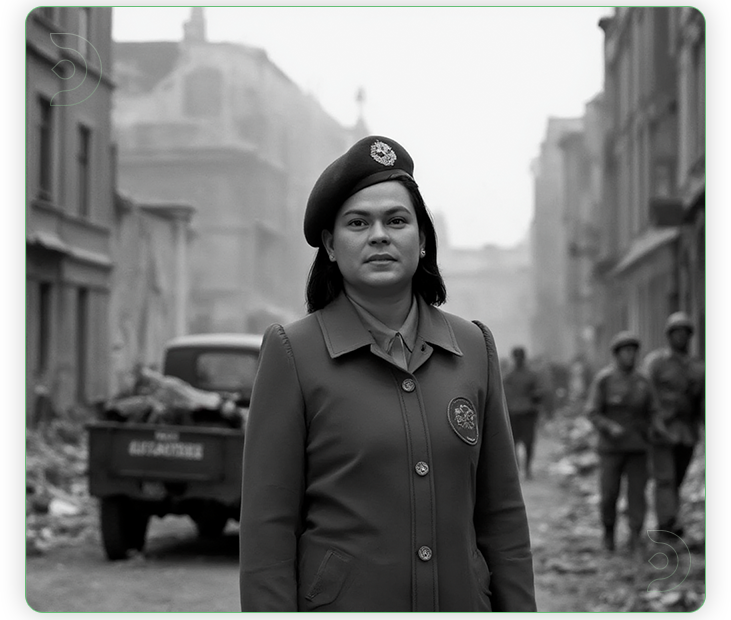
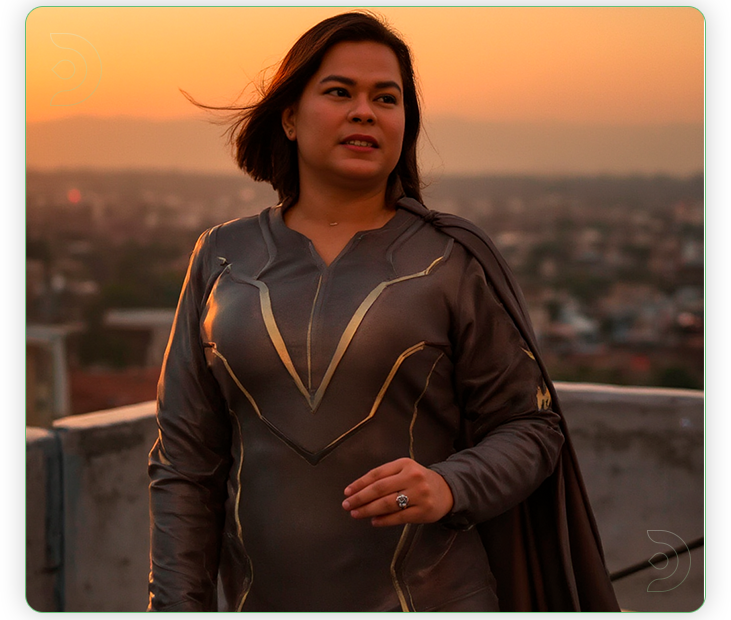
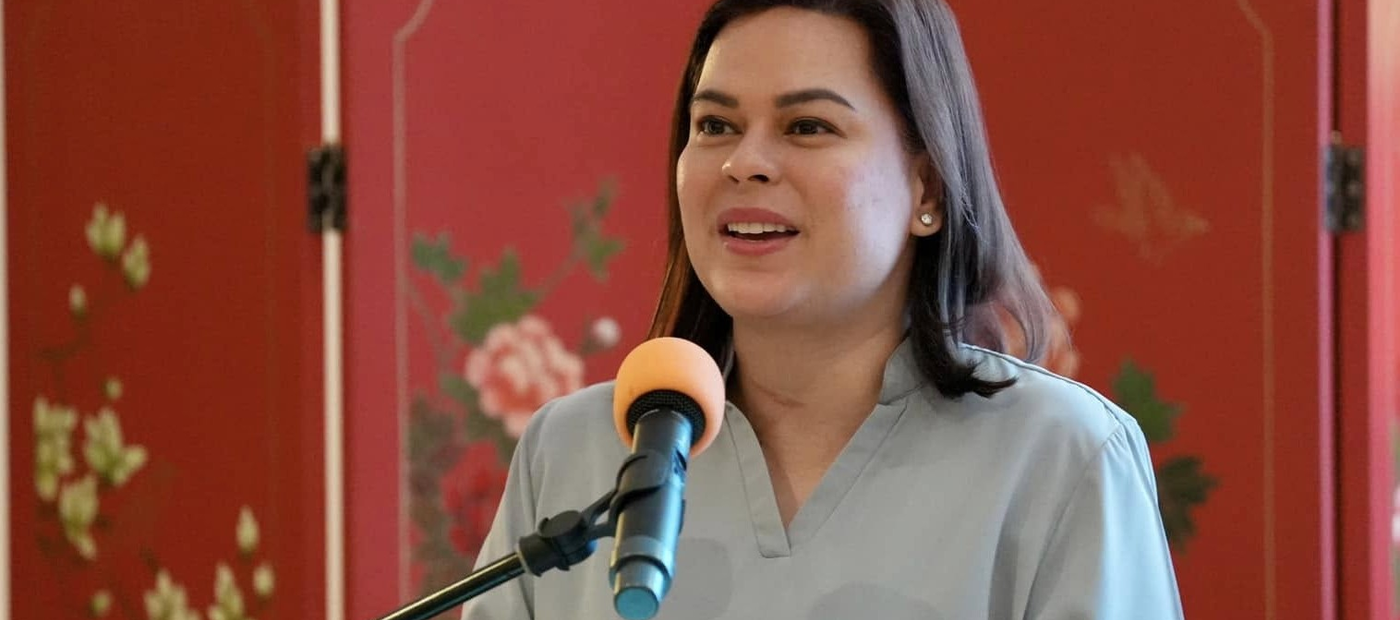



Nodes & Models
HunyuanVideoLoraTrainer_floyo
WorkflowGraphics
LoadImagesFromFolderKJ
LoadImagesFromFolderKJ
ShowText|pysssss
https://v2.fal.media/files/da30d097bb1c4a3a80af270e41662025_adapter_model.safetensors
ShowText|pysssss
https://v2.fal.media/files/da30d097bb1c4a3a80af270e41662025_adapter_model.safetensors
HunyuanVideo LoRA training is about fine‑tuning Tencent’s HunyuanVideo model with small LoRA adapters so it learns your own character, style, or motion while keeping the base video model unchanged. This gives you consistent custom results without the cost of full‑model training.
Overview
HunyuanVideo supports LoRA fine‑tuning via flags like --use_lora, which add low‑rank adapters on top of the frozen transformer layers. Training is typically done with tools such as diffusion‑pipe, GUI frontends, or hosted trainers (Fal, Replicate, Mimic PC), which take a dataset of images or short clips plus captions and output a LoRA file you can plug back into your HunyuanVideo workflow. Typical use cases are character LoRAs (consistent faces), style LoRAs (a specific look), or motion LoRAs (recurring camera/animation patterns).
What you can train
Common Hunyuan LoRA targets are:
Character LoRA: Learn a specific person or OC so that using a trigger word reproduces that character across many prompts and scenes.
Style LoRA: Capture a visual style (for example, anime linework, moody film look, painterly concept art) that can be applied to varied subjects and motions.
Motion / behavior LoRA: Teach recurring motions such as head turns, walk cycles, or camera orbits from small, carefully prepared video datasets.
Once trained, the LoRA is loaded with a weight slider in ComfyUI or your runner, then combined with prompts like “in the style of <trigger>” or “featuring <character token>” to influence new HunyuanVideo clips.
Training workflow
A typical HunyuanVideo LoRA workflow looks like this:
Dataset: Collect 20–100 images or short videos of your target character/style, at a stable resolution (often 512–768 height) and 16–24 fps for video, then caption them clearly (appearance, clothing, style, or motion).
Config: In diffusion‑pipe, Fal’s trainer, or a GUI, select a HunyuanVideo checkpoint, enable LoRA, choose rank (for example 8–32), learning rate around 1e‑4–8e‑5, batch size 1–2, and total steps in the 1 000–3 000 range depending on dataset size.
Train: Start training, monitor logs for step count and loss, and stop before overfitting; many users report good character LoRAs around 1 600–3 000 steps rather than very long runs.
Test: Load the LoRA in a simple HunyuanVideo ComfyUI graph, generate short clips with your trigger word, and adjust LoRA strength or retrain if results are too weak or overly rigid.
Read more