
GPT Image 1.5
for Image Editing
GPT Image 1.5
Image2Image
Image Editing
0
101
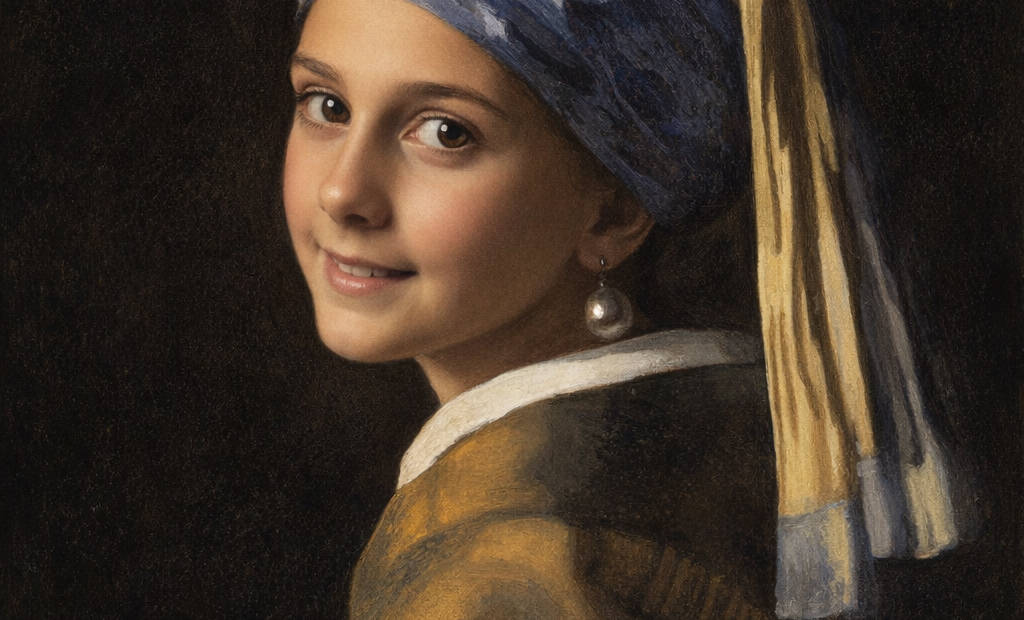


Nodes & Models
GPTImage15Edit_floyo
WorkflowGraphics
LoadImage
PreviewImage
GPT Image 1.5’s image‑editing mode lets you surgically change parts of an existing image with text instructions while preserving composition, lighting, and identity.
What the edit mode does
You upload one or more images and describe the change; GPT Image 1.5 edits only what you specify instead of regenerating everything.
It is strong at keeping faces, pose, layout, and lighting intact while changing outfits, backgrounds, props, or text.
Core editing capabilities
Localized edits / inpainting: You can mask a region (selection tool) and only that area is rewritten, ideal for logos, text, outfits, or small fixes.
Global look changes: Adjust lighting, color grade, style (photo → illustration, anime, painterly) while locking important elements via your instructions.
Text and logos: Replace or translate text in posters, UI, and packaging while preserving layout and design; excellent for dense or small text.
Multi‑image reference: Use multiple inputs and specify relationships like “apply style from image 1 to subject in image 2” for compositing and style transfer.
How the workflow usually looks
Choose “edit” / “image‑to‑image” in your tool or call the image‑edit endpoint with an input image (and optional mask).
Describe both what must change and what must stay the same, for example “Change only the background to a sunset beach; keep the person’s face, pose, clothing, and lighting consistent.”
Iterate with small, incremental instructions—first background, then outfit, then text—rather than trying to redo everything at once.
Useful control settings (in many UIs/APIs)
Input fidelity: High keeps composition and core elements almost identical; low lets the model reinterpret more aggressively.
Background mode: Auto, transparent, or opaque to control whether you keep, remove, or regenerate backgrounds for compositing.
Quality/speed: Lower quality for quick drafting, higher quality for final passes when you are happy with the structure.
Where it’s especially strong
Production‑style retouching: subtle portrait fixes, outfit tweaks, sky swaps, background cleanup.
Design work: refining logos, swapping fonts, exploring variations of the same layout without touching the rest of the design.
If you share the kind of edits you want to do (portraits, thumbnails, product shots, UI, logos, etc.), the next step can be tailoring concrete edit patterns and guardrails for those use cases.
Read more