FLUX.2 Dev · Text to Image
Generate photorealistic images with FLUX.2 Dev, the 32B open-weight model from Black Forest Labs. Write a prompt, add optional references, and hit run.
Flux2
Image
Marketing
Photography
Text2Image
4.1k

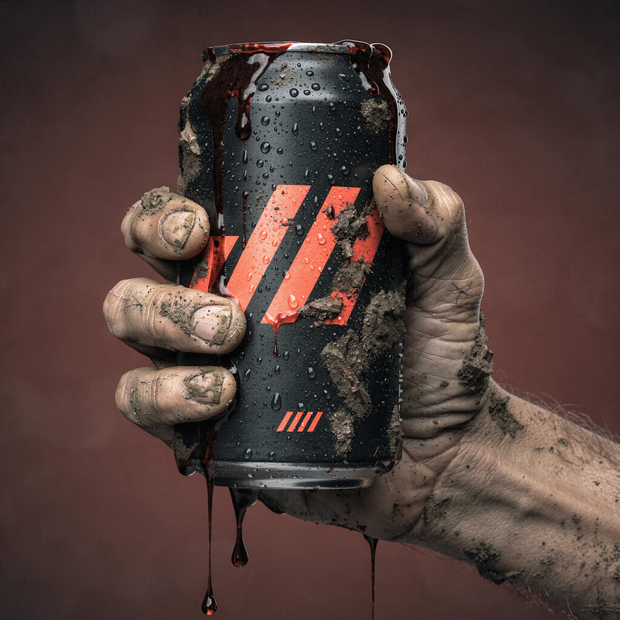











Nodes & Models
LoadImage
VAELoader
flux2-vae.safetensors
KSamplerSelect
UNETLoader
FLUX2/flux2_dev_fp8mixed.safetensors
RandomNoise
CLIPLoader
mistral_3_small_flux2_fp8.safetensors
EmptyFlux2LatentImage
Note
CLIPTextEncode
VAEDecode
SamplerCustomAdvanced
BasicGuider
FluxGuidance
ReferenceLatent
VAEEncode
SaveImage
ImageScaleToTotalPixels
Flux2Scheduler
ABOUT THE WORKFLOW
Generate a Picture From Text Write a prompt and get a picture. FLUX.2 Dev is strong at photorealism, clean typography, and following long, layered prompts. Two reference image slots are wired but bypassed by default. Enable them to steer generation with visual references.
Model
FLUX.2 Dev by Black Forest Labs. Released 25 November 2025. A 32 billion parameter model combining a Mistral 3 24B vision-language model with a rectified flow transformer. Takes text and optionally up to 10 reference images. Returns one picture at up to 4 megapixels. Open weights under the FLUX.2 Dev Non-Commercial License.
HOW IT WORKS
Step 1. Write your prompt Describe the picture. Long, layered prompts with scene detail, lighting, and composition produce the strongest results. Works great with: photorealistic stills · product shots · portraits · typography
Step 2. Add reference images (optional) Two image loaders are wired but the ReferenceLatent nodes are bypassed. Press Ctrl+B on them to enable multi-reference generation. Each reference steers the output toward its style, composition, or subject.
Step 3. Hit run and download The model builds the picture in 20 passes and saves it under ComfyUI. Ready for: Photoshop · Figma · Canva · any editor
First time? Leave every setting as-is. The defaults (1920 x 1080 · 20 steps · guidance 4 · random seed) are the right starting point for almost everyone.
RECOMMENDED SETTINGS
Quick-start guide. Find the goal that matches yours and copy the settings.
Standard generation (most people) — 1920 x 1080 · 20 steps · guidance 4 · random seed. The right starting point for almost everyone.
Want a square or portrait shape — Change the Width and Height primitives. Stay near 2 megapixels total. Change the values in the EmptyFlux2LatentImage and Flux2Scheduler nodes to match, or the picture distorts.
The picture drifts from the prompt — Raise guidance above 4. Higher values hold the model closer to your words. Too high and the picture oversaturates.
Want to use reference images — Press Ctrl+B on the two ReferenceLatent nodes to unbypasses them. Your uploaded images guide the generation. Chain more ReferenceLatent nodes to add up to 10 references.
Faster runs — Lower steps. FLUX.2 Dev is undistilled, so quality drops noticeably below 15 steps.
Reproduce a result you liked — Set a fixed seed. The same prompt, size, and seed return the same picture.
Want text in the image — Spell out the exact words in quotes inside the prompt. FLUX.2 Dev renders clean typography, especially at larger sizes.
Prompt: Write it as a scene description, not keywords. "A cute anime girl with gigantic fennec ears and a big fluffy fox tail, singing on stage like an idol while holding a microphone, colorful lights, postcard held by a hand in front of a city at sunset, cursive writing that says 'Flux 2, Now in ComfyUI'" gives you more than "anime girl fox ears." The model follows long, detailed instructions closely.
LEARN
📹 Videos
ComfyUI 101 Free Course ft. Sebastian Kamph
Floyo 101 for Team Collaboration
✨ Quick links
USE CASES
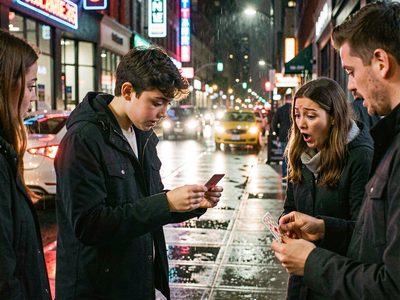
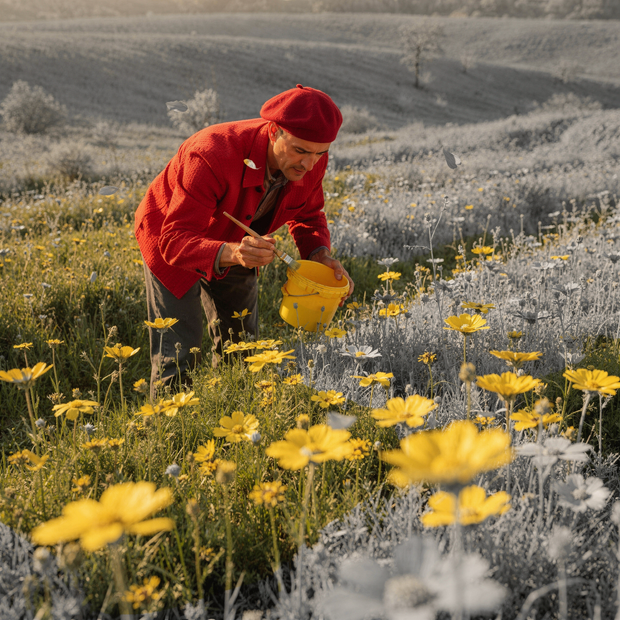
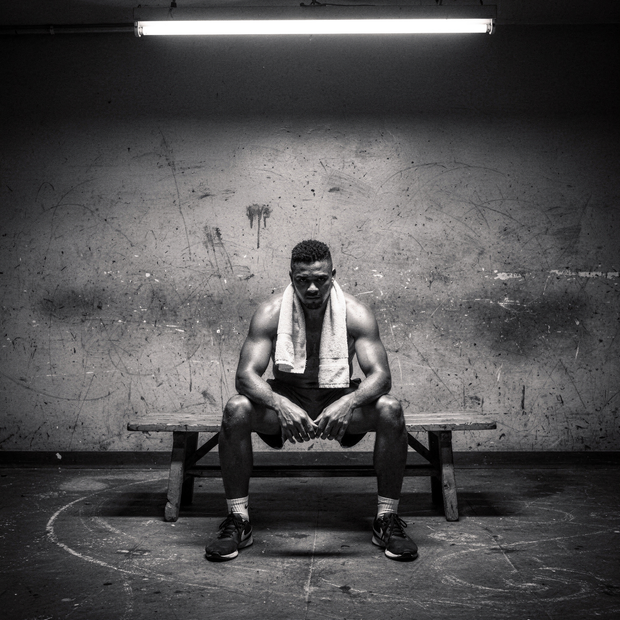
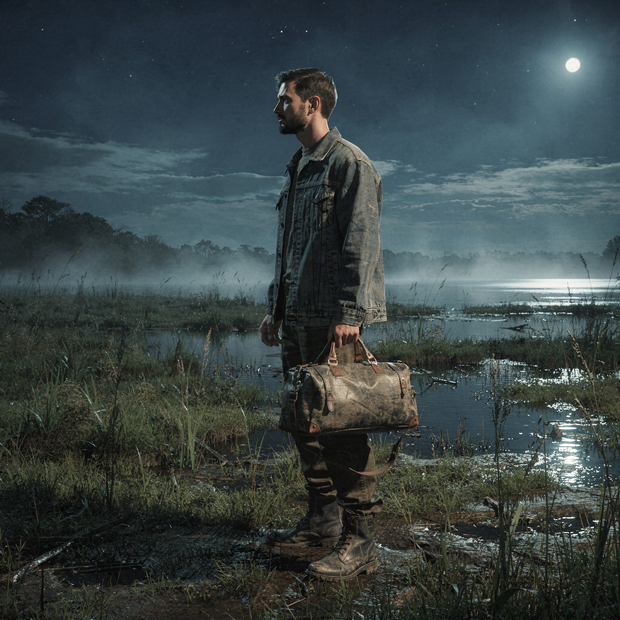
📸 Photorealistic Stills Generate photorealistic images with accurate lighting, materials, and spatial relationships from a text description.
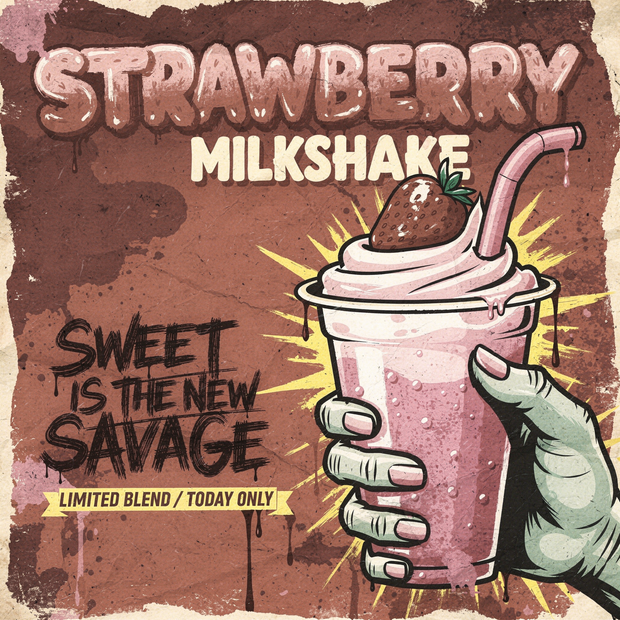
🔤 Typography and Design Render clean, readable text inside images for posters, signs, packaging mockups, and social cards.
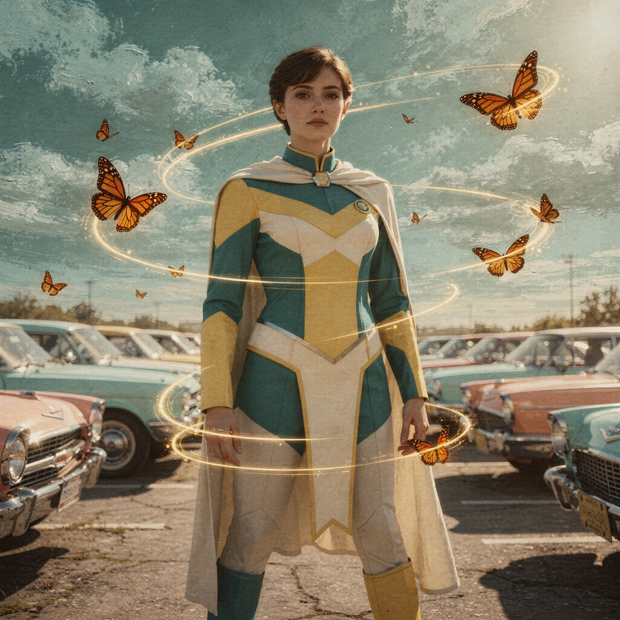
🎨 Multi-Reference Generation Feed up to 10 style or subject references and generate new images that inherit their look, composition, or characters.
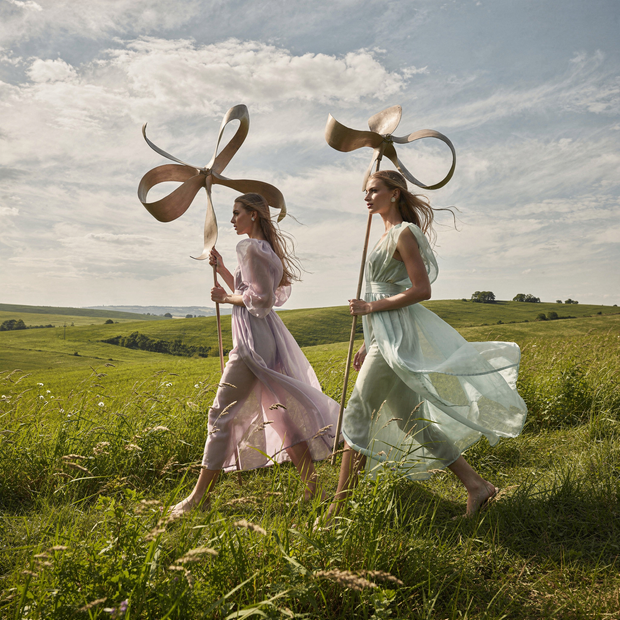
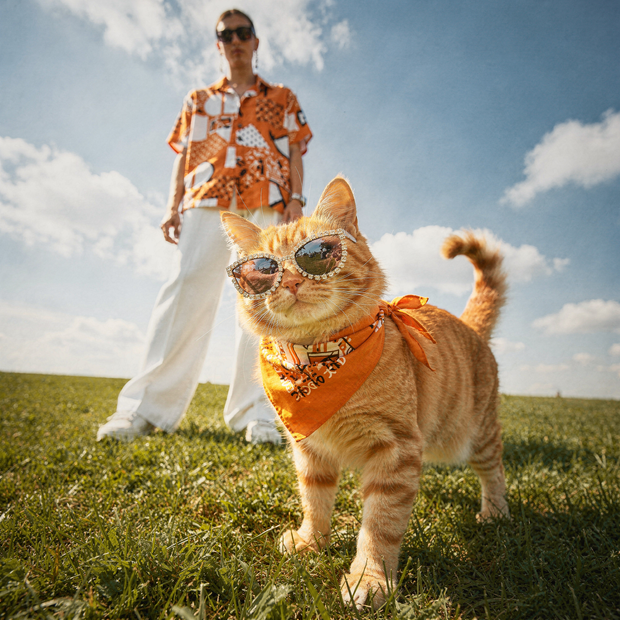
🛍️ Product and Marketing Visuals Create lifestyle shots, hero images, and campaign visuals from a prompt without a photo shoot.
WHAT WORKS BEST / WHAT TO AVOID
✅ Works great
Detailed, multi-sentence prompts that describe the full scene
Photorealistic subjects, materials, and lighting
Clean typography and text rendering
Multi-reference conditioning with up to 10 images
⚠️ May produce softer results
Short keyword prompts with no scene description
Sizes pushed past 4 megapixels
Expecting fast generation (32B is large even at FP8)
Work that needs a permissive open-source licence
FAQ
What is FLUX.2 Dev? FLUX.2 Dev is a 32 billion parameter image model from Black Forest Labs, released 25 November 2025. It combines a Mistral 3 24B vision-language model with a rectified flow transformer for text-to-image generation and multi-reference editing at up to 4 megapixels. It leads 2026 benchmarks for photorealism, text rendering accuracy, and prompt adherence among open-weight models.
Can FLUX.2 Dev use reference images? Yes. The model supports up to 10 reference images per generation. This workflow has two reference slots wired but bypassed by default. Press Ctrl+B on the ReferenceLatent nodes to enable them. Chain more nodes to add more references.
Is FLUX.2 Dev free for commercial use? No. FLUX.2 Dev is released under the FLUX.2 Dev Non-Commercial License, which permits personal, research, and educational use but not commercial use. A commercial licence from Black Forest Labs is available separately. The FLUX.2 Klein 4B model is available under Apache 2.0 if you need a permissive licence.
How does FLUX.2 Dev compare to FLUX.1 Dev? FLUX.2 Dev is the successor with a larger architecture (32B vs 12B), a Mistral 3 24B VLM encoder (vs T5-XXL), multi-reference conditioning (up to 10 images), and 4-megapixel output. It produces sharper detail, better text rendering, and stronger prompt adherence. The trade-off is higher VRAM and longer generation times.
Why does the workflow note say to change width and height in three places? The output dimensions appear in the Width and Height primitives, the EmptyFlux2LatentImage node, and the Flux2Scheduler node. If they do not match, the latent and the scheduling are computed at different resolutions, which distorts the picture. Change all three when you change the size.
Why is this a heavy workflow? FLUX.2 Dev is 32 billion parameters. The Mistral 3 24B text encoder alone is larger than most complete image models. Even at FP8 quantization, the model needs substantial VRAM. Expect longer generation times than lighter models like FLUX.2 Klein or Z-Image Turbo.
How to run FLUX.2 Dev online? You can run FLUX.2 Dev online through Floyo. No installation, no setup, no 32B download. Open the workflow in your browser, write a prompt, and hit run. Free to try.
WHY FLOYO?
Floyo is the only platform with team collaboration for ComfyUI in the browser. You run workflows with no install. You share run history, assets, and models across your team. You pay only when you generate. Floyo supports open-source and closed-source models.
A designer runs an edit and likes the result. A teammate opens that exact run from shared history and keeps going. No file handoffs. No version confusion.
For studios and enterprise teams, Floyo adds private workspaces, pooled resources, and a team usage dashboard. Other ComfyUI cloud tools run for one person at a time. Floyo runs for the whole team, with transparent per-generation costs.
Ready to try it? Write a prompt and run it. The picture comes back at 1920 x 1080.
Questions? Watch the free course or check the FAQ above.
Read more