







顯示8 個 Workflows


Flux 2 Klein 9b - Perfect Face swap
Instead of using outdated or unstable techniques, this workflow was designed to take full advantage of FLUX 2 KLEIN's editing capabilities—using a face image and a reference character image to produce clean, highly consistent results.
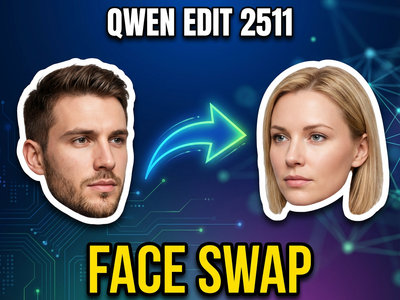

Qwen Edit 2511 Face Swap
Face Swap


Qwen Image Edit 2509 · Face Swap
Swap a face between two photos with Qwen Image Edit 2509. Upload a main image and a reference, paint a mask on each face, hit run. Apache 2.0 open weights.
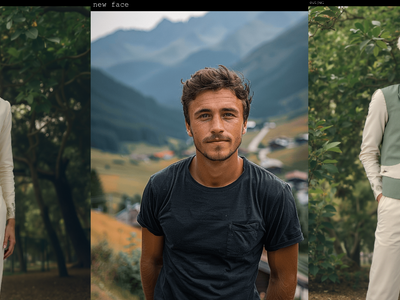

ReActor - Simple Face Swap

SMART FACE SWAPPER - Ace++ Flux Face swap
Face swapper built with Flux and ACE++. Works with added details too, like hats, jewelry. Smart features, use natural language.
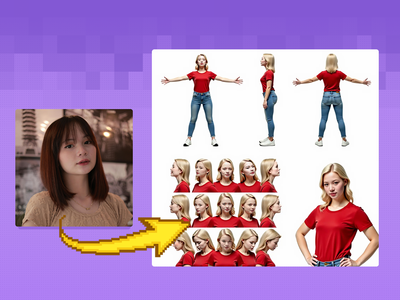
Image to Image Character Sheet Face Swap with Ace+
Take a character sheet and use a reference image to replace all the faces with that new person. Key Inputs Load Image: Use any JPG or PNG showing your pose sheet Load New Face: Use any JPG or PNG showing your subject clearly that you would like to swap into the pose sheet. Prompt: as descriptive a prompt as possible Width & height: Optimal resolution settings are noted at 1024px x 1024px Keep Proportion: Enable keep_proportion if you want to keep the same size with input and output Denoise: The amount of variance in the new image. Higher has more variance.

Vertical Video Background & Scene Rebuild
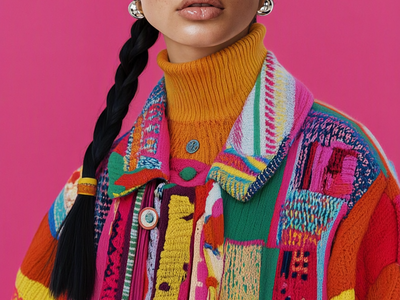

Qwen Image 2.1 Face Swap
Upload a photo and a new face. Qwen Image 2.1 swaps in the whole head and keeps the body, pose, outfit, and scene from your original. Two uploads, one prompt.