


動画でさらにできること
すべて見る

画像から動画のワークフロー一覧画像から動画のワークフロー
すべての Workflows
Wan 2.5: Image to Video with Audio
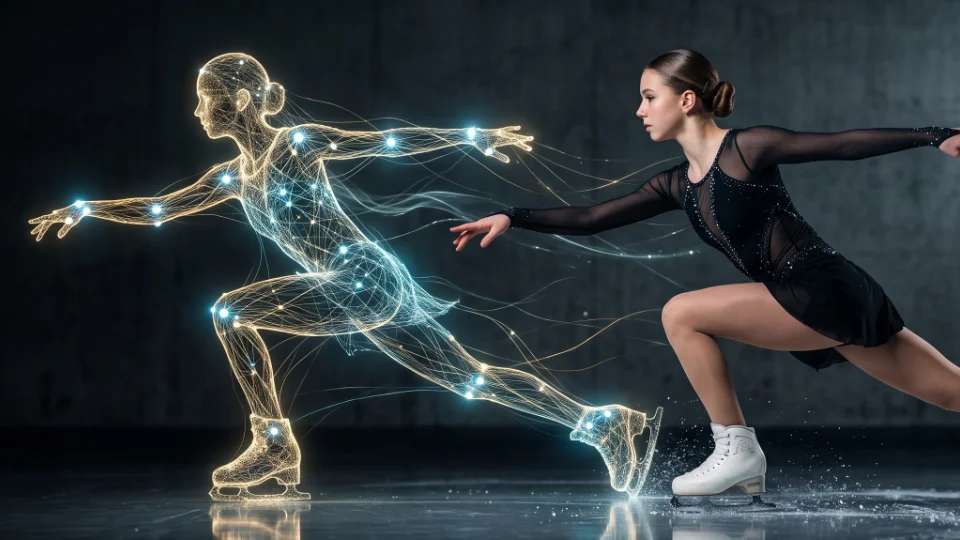
Kling 2.6 · Motion Control
Transfer motion from any video onto your character with Kling 2.6 by Kuaishou. Upload a character image and a reference clip, describe the scene, hit run.

Minimax_H3_Image_to_Video_OpenWeight
Minimax H3を使用したImage to Videoワークフローです。オープンウェイトモデルのためAPIウォレットを消費せず、Load Imageにスタートフレーム画像をアップロードし、aspect_ratio、duration、promptを設定するだけで、すぐに動画生成できます。This is an Image to Video workflow using Minimax H3. Since it uses an open-weight model, it does not consume your API wallet.
Grok Imagine: Image to Video with Audio
Turn images into excellent video using the Grok Imagine
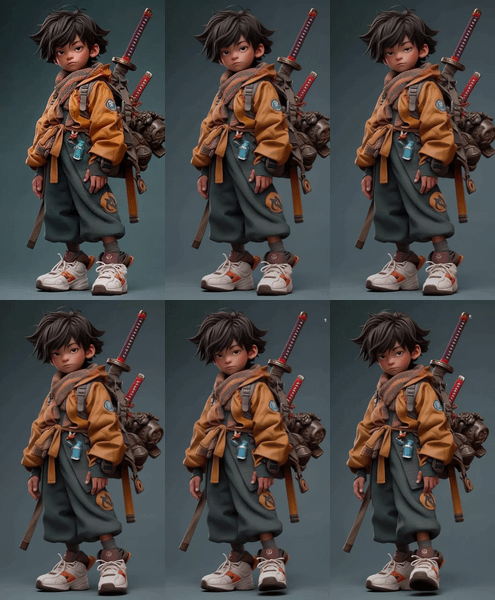
LTX-2.3 · Face Consistent Image to Video
Animate a face and keep identity locked through the clip with LTX-2.3 and a face LoRA. Upload a portrait, describe the scene, get 1080p video with audio.
Wan 2.2 14B: Image to Video + End Frame
Generate high quality video from a start frame, as well as an optional end frame with this Wan2.2 14b Image to Video workflow!
Wan 2.6 · Multi-Shot Image to Video
Turn a still image into a multi-shot video with sound using Wan 2.6 by Alibaba. The model plans camera cuts and syncs audio in one pass. Upload and run.

LTX-2.3 Pro · Image to Video With Audio
Generate up to 4K video with sound using LTX-2.3 Pro, the quality tier of Lightricks' 22B model. Upload a start and end image, write the shot, hit run.

SCAIL2_Motion_Control
SCAIL2を使用したモーションコントロール用のワークフローです。動画をモーション元としてアップロードし、入れ替えたい人物画像をアップロードすることで、動画内の動きをキャラクターへ転送できます。緑色のノードだけ設定すればすぐ使えます。 This is an Image-to-Video motion control workflow using SCAIL2.
Wan 2.1 FusionX · Image to Video
Animate a still into a cinematic clip with Wan 2.1 FusionX, a community fine-tune of Alibaba's 14B video model. Upload your image, describe the shot, hit run.


LTX 2.3 Image to video - Advanced Series 02
Generates advanced image to video with LTX 2.3 with high quality and prompt adherence. - Related to the ComfyUI Advanced Video generation series on youtube channel : https://www.youtube.com/@AITold

Wan2.1 FusionX and MultiTalk - Image to Video
Turn any portrait - artwork, photos, or digital characters - into speaking, expressive videos that sync perfectly with audio input. MultiTalk handles lip movements, facial expressions, and body motion automatically.
Workflows = API
すべてのワークフローが API エンドポイントです。 バックエンドを作らずに、AI 生成を自社のプロダクトに組み込めます。 ワークフローを選んでカスタマイズし、「Floyo API スニペットをコピー」をクリックすれば完了です。

MCP
プラットフォーム上のすべてのワークフローに、自分のエージェントや社内ツールから、同じ管理設定のもとでアクセスできます。
mcp.floyo.ai/mcp
かんたんテンプレート
既製のワークフローを開き、説明を読んで入力を変え、Run をクリックするだけ。ほとんどの人はノードを開くこともありません。複雑な部分は、必要なときのために裏側にあります。

Trust Center
誰かが実行する前に、安全かどうかがわかります。すべてのモデルに Verified Private と Commercial Use のステータスがあり、承認していないモデルはチームの管理設定でブロックできます。管理者は、チームが使えるモデル、プロバイダー、ノードを選べます。

かんたんテンプレート
既製のワークフローを開き、説明を読んで入力を変え、Run をクリックするだけ。ほとんどの人はノードを開くこともありません。複雑な部分は、必要なときのために裏側にあります。
Trust Center
誰かが実行する前に、安全かどうかがわかります。すべてのモデルに Verified Private と Commercial Use のステータスがあり、承認していないモデルはチームの管理設定でブロックできます。管理者は、チームが使えるモデル、プロバイダー、ノードを選べます。
Workflows = API
すべてのワークフローが API エンドポイントです。 バックエンドを作らずに、AI 生成を自社のプロダクトに組み込めます。ワークフローを選んでカスタマイズし、「Floyo API スニペットをコピー」をクリックすれば完了です。
