


Faça mais com áudio
Ver tudo


Todos os workflows de áudio para vídeoWorkflows de Áudio para vídeo
Todos os Workflows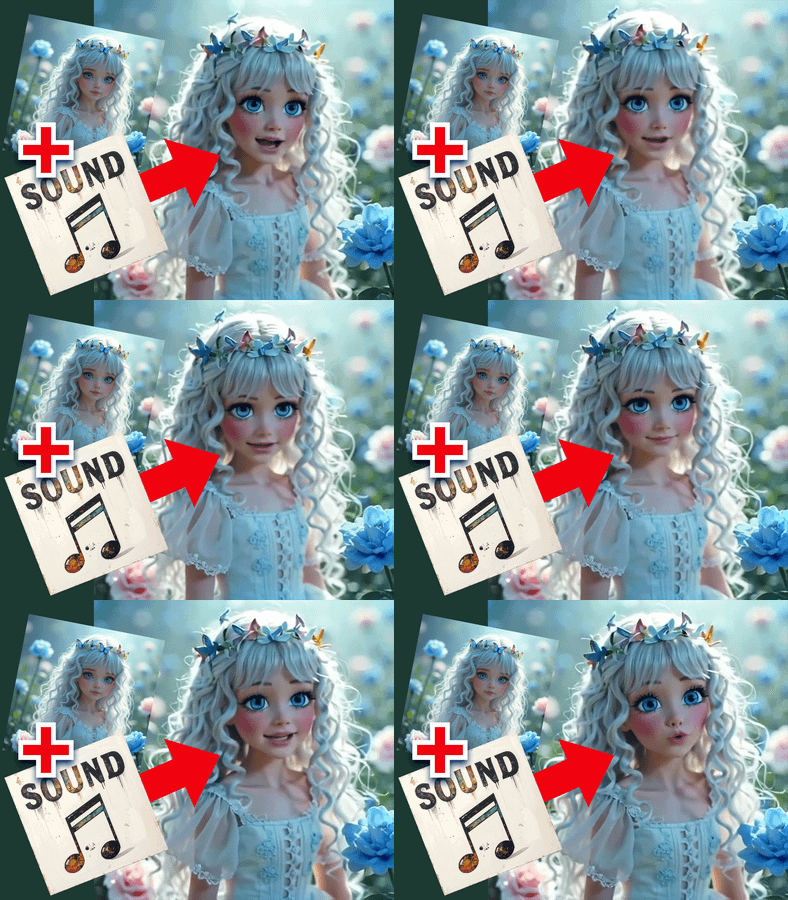

LTX2 Image + Sound to VIDEO
Image + Sound to VIDEO


LTX 2.3 Audio to Video

Image to Talking Video - LTX 2.3 + ElevenLabs UGC

LTX 2.3 Image + Audio to Video
Generate Image to Video with Custom Audio using LTX 2.3

LTX2.3 Lip Sync · Image + Audio to Video For Anime
Upload a portrait and an audio file. LTX 2.3 generates a 10-second 1080p video where the character speaks or sings in sync with your audio, using a three-pass upscaling pipeline with vocal separation, NAG, and static camera locking.

LTX2 Sound to Video
Sound to Video


LTX 2.3 Image + Audio to Video · Image to Video
Upload an image and an audio track, describe the scene, and LTX Video 2.3 22B generates a video where the motion, energy, and pacing sync to your audio.


LTX 2.3 - Audio to Video
Generate video from an audio track and a reference image with LTX 2.3

Sync Lipsync - Audio Driven Lip Sync for Video
Sync any audio track to a video face with Sync Lipsync.

PixVerse C1 - Text to Video
Generate cinematic video from text with PixVerse C1. Up to 1080p, up to 15 seconds, with optional native audio synchronized in the same generation pass.

LTX-2.3 — Turn Any Image + Audio Into a Video
Bring any still image to life using audio
Workflows = APIs
Todo workflow é um endpoint de API. Leve geração com IA para o seu produto sem criar um backend. Escolha um workflow, personalize, clique em “Copiar snippet da Floyo API” e pronto.

MCP
Todos os workflows da plataforma, ao alcance dos seus agentes e ferramentas internas, com os mesmos controles de administração.
mcp.floyo.ai/mcp
Templates fáceis
Abra um workflow pronto, leia as instruções, troque a entrada e clique em Run. A maioria das pessoas nunca abre um node. A complexidade é opcional e fica nos bastidores.

Trust Center
Saiba o que é seguro antes que alguém execute. Status Verified Private e Commercial Use para cada modelo, além de controles de equipe para bloquear os que você não aprovar.Os administradores escolhem quais modelos, provedores e nodes a equipe pode usar.

Templates fáceis
Abra um workflow pronto, leia as instruções, troque a entrada e clique em Run. A maioria das pessoas nunca abre um node. A complexidade é opcional e fica nos bastidores.
Trust Center
Saiba o que é seguro antes que alguém execute. Status Verified Private e Commercial Use para cada modelo, além de controles de equipe para bloquear os que você não aprovar.Os administradores escolhem quais modelos, provedores e nodes a equipe pode usar.
Workflows = APIs
Todo workflow é um endpoint de API. Leve geração com IA para o seu produto sem criar um backend.Escolha um workflow, personalize, clique em “Copiar snippet da Floyo API” e pronto.
Comece agora
Curso gratuito
ComfyUI 101
curso gratuito com Sebastian KamphCurso gratuito com Sebastian Kamph
Dez aulas, da tela em branco ao ControlNet. Nodes, texto para imagem, modelos, LoRA, upscale e configurações do KSampler. Nada para instalar. Todas as aulas rodam aqui, então você termina com workflows que você mesmo criou.
