

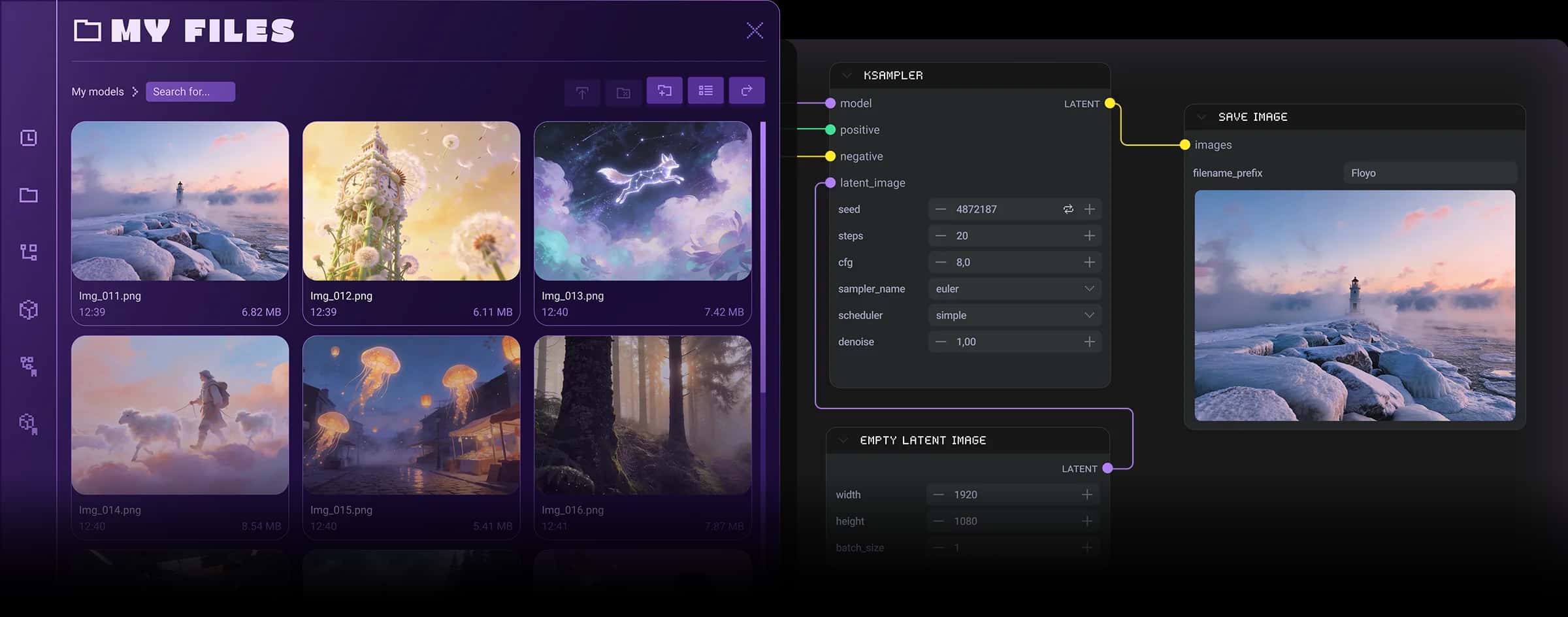
DiffuEraser is an advanced diffusion model designed for video inpainting, fully integrated within the ComfyUI framework. This tool allows users to effectively manipulate and restore video content by filling in missing or unwanted areas, enhancing the overall visual quality.
- Utilizes a diffusion model specifically tailored for video inpainting tasks.
- Offers seamless integration with the ComfyUI-native stack, ensuring compatibility and ease of use.
- Supports a variety of models and configurations, enhancing flexibility for different use cases.
Context
DiffuEraser serves as a specialized plugin within ComfyUI, aimed at enabling users to perform video inpainting efficiently. Its primary purpose is to restore or modify video frames by intelligently filling in gaps, making it an essential tool for video editing and content creation.
Key Features & Benefits
DiffuEraser includes several practical features that enhance its usability. It supports various model types, including VAE and CLIP models, allowing users to choose the best configuration for their specific needs. The tool's ability to blend outputs helps reduce flickering in video sequences, ensuring smoother transitions and a more polished final product.
Advanced Functionalities
One of the standout capabilities of DiffuEraser is its support for advanced masking techniques, including single mask usage and mask dilation adjustments. These features allow for more precise inpainting, particularly in scenarios where fine detail is crucial, such as watermark removal or object replacement. Additionally, the tool offers options to toggle between different sampling modes, providing users with greater control over the output quality.
Practical Benefits
By integrating DiffuEraser into their workflow, users can significantly enhance their video editing capabilities. The tool improves workflow efficiency by automating complex inpainting tasks, allowing for high-quality results without extensive manual intervention. This leads to better control over the final output, ultimately saving time and resources in video production.
Credits/Acknowledgments
The development of DiffuEraser is credited to Xiaowen Li, Haolan Xue, Peiran Ren, and Liefeng Bo, with contributions from various researchers in the field. The project is open-source and available under a suitable license, encouraging further development and collaboration within the community.





