


ทำได้มากขึ้นกับเสียง
สำรวจทั้งหมด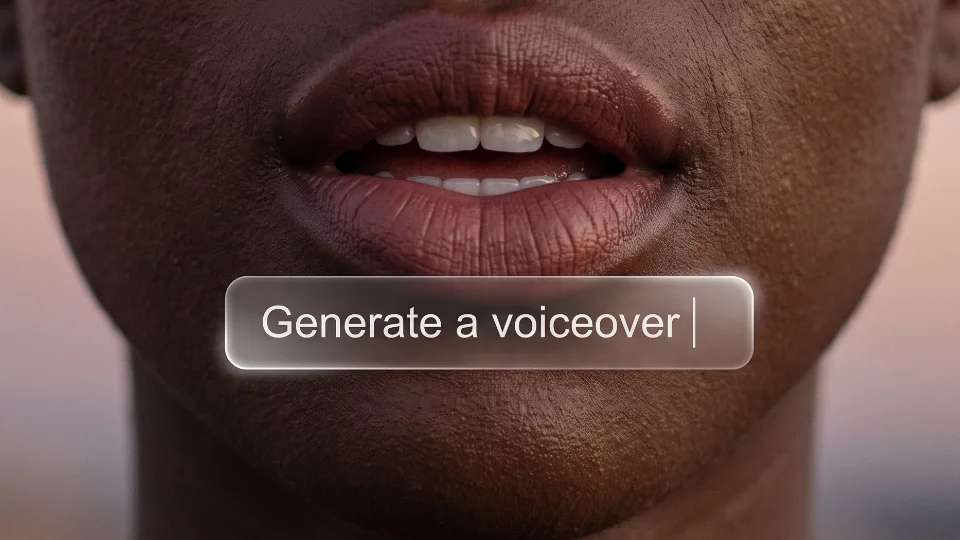


เวิร์กโฟลว์สำหรับ เสียงเป็นวิดีโอ ทั้งหมดเวิร์กโฟลว์สำหรับ เสียงเป็นวิดีโอ
Workflows ทั้งหมด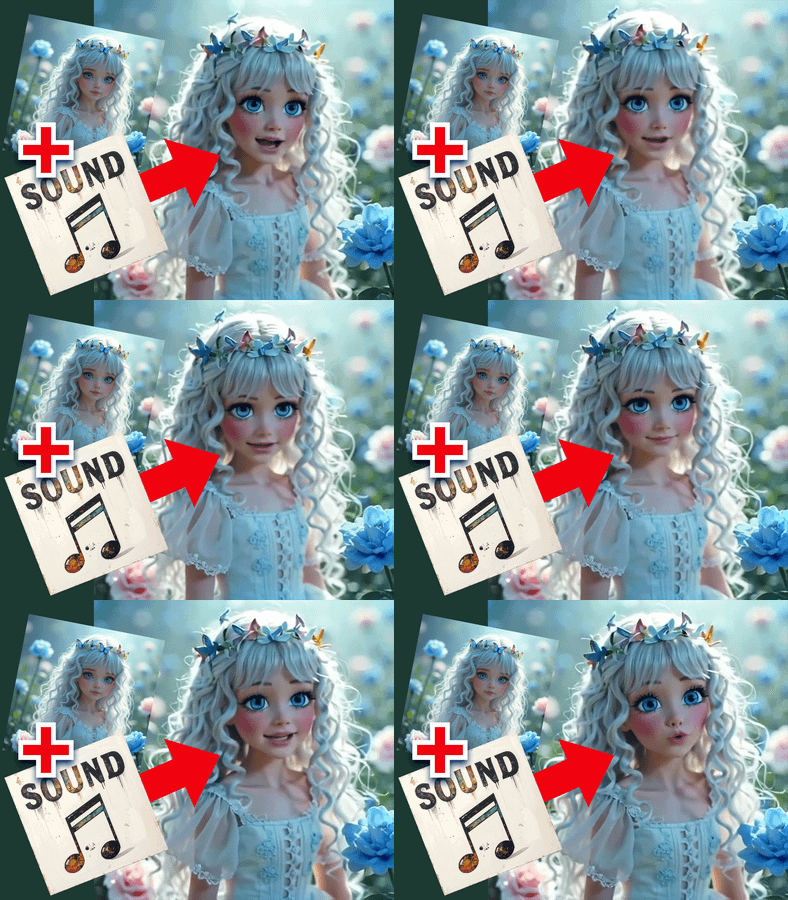

LTX2 Image + Sound to VIDEO
Image + Sound to VIDEO


LTX 2.3 Audio to Video

Image to Talking Video - LTX 2.3 + ElevenLabs UGC

LTX 2.3 Image + Audio to Video
Generate Image to Video with Custom Audio using LTX 2.3

LTX2.3 Lip Sync · Image + Audio to Video For Anime
Upload a portrait and an audio file. LTX 2.3 generates a 10-second 1080p video where the character speaks or sings in sync with your audio, using a three-pass upscaling pipeline with vocal separation, NAG, and static camera locking.

LTX2 Sound to Video
Sound to Video


LTX 2.3 Image + Audio to Video · Image to Video
Upload an image and an audio track, describe the scene, and LTX Video 2.3 22B generates a video where the motion, energy, and pacing sync to your audio.


LTX 2.3 - Audio to Video
Generate video from an audio track and a reference image with LTX 2.3
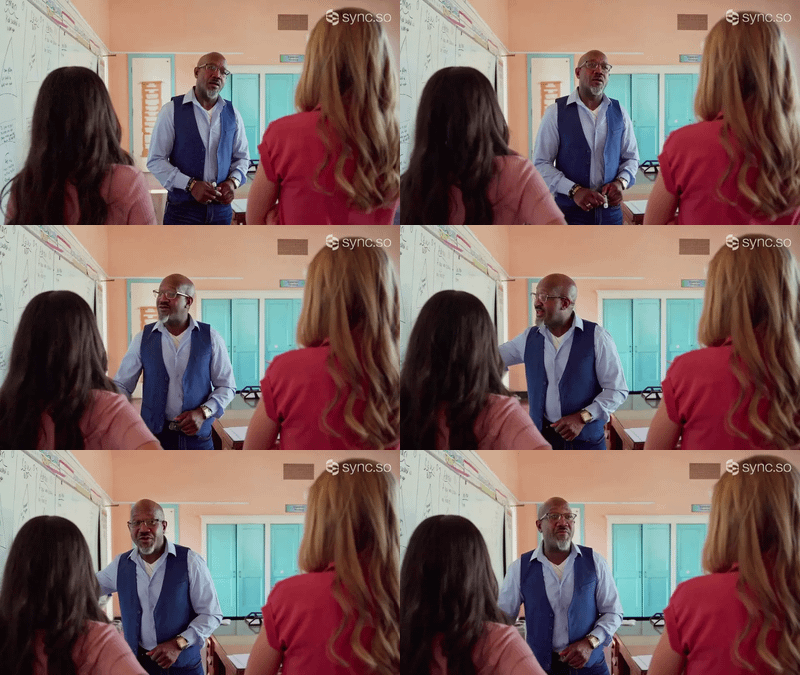
Sync Lipsync - Audio Driven Lip Sync for Video
Sync any audio track to a video face with Sync Lipsync.

PixVerse C1 - Text to Video
Generate cinematic video from text with PixVerse C1. Up to 1080p, up to 15 seconds, with optional native audio synchronized in the same generation pass.

LTX-2.3 — Turn Any Image + Audio Into a Video
Bring any still image to life using audio
Workflows = API
ทุกเวิร์กโฟลว์คือ API endpoint ใส่การสร้างงานด้วย AI ลงในผลิตภัณฑ์ของคุณได้โดยไม่ต้องสร้างแบ็กเอนด์ เลือกเวิร์กโฟลว์ ปรับแต่ง คลิก "คัดลอกโค้ด Floyo API" เท่านี้ก็เสร็จ

MCP
ทุกเวิร์กโฟลว์บนแพลตฟอร์มเข้าถึงได้จากเอเจนต์และเครื่องมือภายในของคุณเอง ภายใต้การควบคุมของผู้ดูแลแบบเดียวกัน
mcp.floyo.ai/mcp
เทมเพลตใช้ง่าย
เปิดเวิร์กโฟลว์สำเร็จรูป อ่านคำแนะนำ เปลี่ยนอินพุต แล้วคลิกรัน คนส่วนใหญ่ไม่เคยต้องเปิดดูโหนดเลย ความซับซ้อนเป็นทางเลือก และซ่อนอยู่เบื้องหลัง

Trust Center
รู้ว่าอะไรปลอดภัยก่อนที่ใครจะรัน ทุกโมเดลมีสถานะ Verified Private และ Commercial Use พร้อมการควบคุมระดับทีมเพื่อบล็อกโมเดลที่คุณไม่อนุมัติผู้ดูแลเลือกได้ว่าทีมใช้โมเดล ผู้ให้บริการ และโหนดใดได้บ้าง

เทมเพลตใช้ง่าย
เปิดเวิร์กโฟลว์สำเร็จรูป อ่านคำแนะนำ เปลี่ยนอินพุต แล้วคลิกรัน คนส่วนใหญ่ไม่เคยต้องเปิดดูโหนดเลย ความซับซ้อนเป็นทางเลือก และซ่อนอยู่เบื้องหลัง
Trust Center
รู้ว่าอะไรปลอดภัยก่อนที่ใครจะรัน ทุกโมเดลมีสถานะ Verified Private และ Commercial Use พร้อมการควบคุมระดับทีมเพื่อบล็อกโมเดลที่คุณไม่อนุมัติผู้ดูแลเลือกได้ว่าทีมใช้โมเดล ผู้ให้บริการ และโหนดใดได้บ้าง
Workflows = API
ทุกเวิร์กโฟลว์คือ API endpoint ใส่การสร้างงานด้วย AI ลงในผลิตภัณฑ์ของคุณได้โดยไม่ต้องสร้างแบ็กเอนด์เลือกเวิร์กโฟลว์ ปรับแต่ง คลิก "คัดลอกโค้ด Floyo API" เท่านี้ก็เสร็จ
