


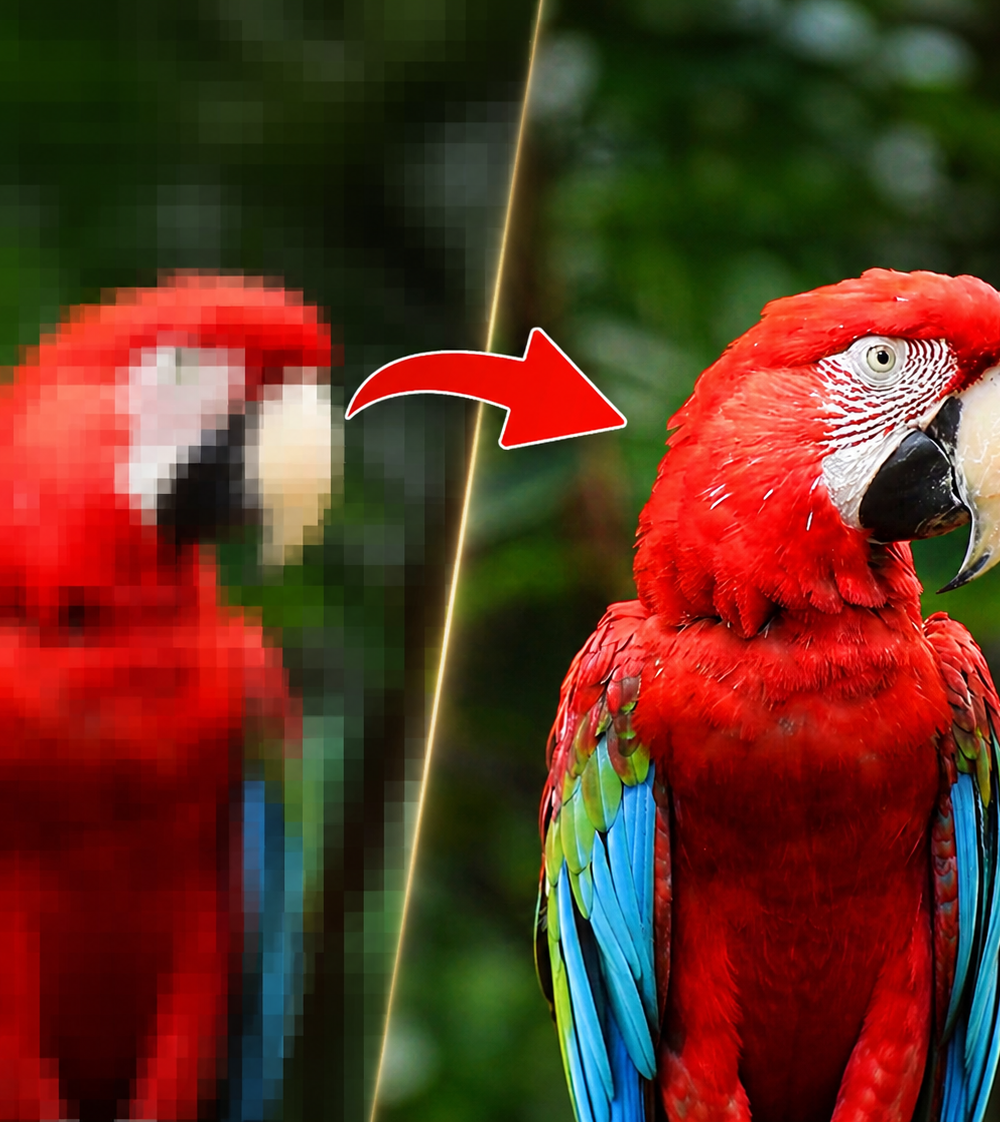
Làm nhiều hơn với video
Xem tất cả


Tất cả quy trình nâng độ phân giải videoQuy trình Nâng độ phân giải video
Tất cả Workflows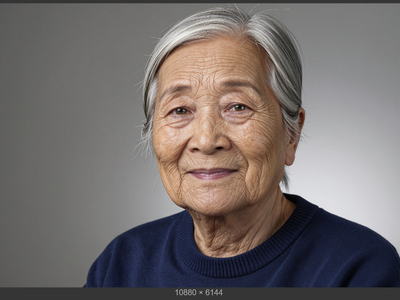

Z-Image Turbo + DyPE + SeedVR2 2.5 + TTP 16k reso

SeedVR2 and TTP Toolset 8k Image Upscale

LTX 2.3 Image to Video with Two-Pass Upscaling

Topaz Video Upscaler for Sharper Results
Upload a video, pick your enhancement model and quality level, and Topaz Video AI sharpens, denoises, and upscales it. Audio is preserved. Output is H265 MP4.

FlashVSR for Video Upscale
Upscale your videos

Vertical Video Background & Scene Rebuild
Vertical Video FX Insterter / Element Pass with Seedream + Wan
Vertical Video FX Inserter - Qwen + Wan 2.1 FunControl
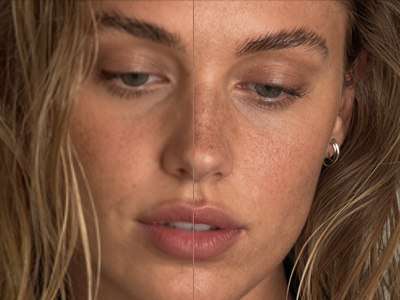

SeedVR 2 ultra resolution upscale
Using SeedVR 2 + UltimateSD Upscale + Z-Image Turbo to achieve extremely high resolution and sharp images.
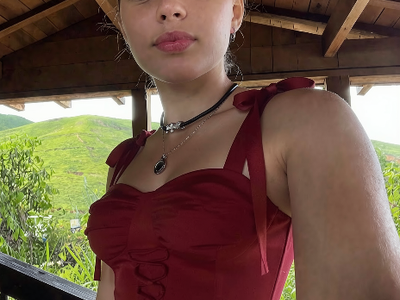

Z-Image AI Influencer + Clothes & Pose Transfer
Create realistic AI influencer images with advanced clothes transfer, pose transfer, and cinematic styling using Z-Image Turbo + ControlNet in ComfyUI. Includes QwenVL prompt generation, Lineart ControlNet guidance, LoRA styling, and SEEDVR upscaling for ultra-detailed profession

SeedVR2 · Video Upscaler For Anime
Upload a low-resolution video and SeedVR2 upscales it to 1080p in a single diffusion step, restoring fine detail, removing compression artifacts, and maintaining temporal consistency across every frame.

LTX 2.3 Two-Pass · Image to Video For Anime
Upload an image and LTX Video 2.3 22B generates a 5-second video at 1080p with synchronized audio, using a two-pass pipeline that renders at low resolution first then upscales in latent space for sharp, detailed output.
Workflows = API
Mọi quy trình đều là một endpoint API. Đưa tính năng tạo nội dung bằng AI vào sản phẩm của bạn mà không cần tự dựng backend. Chọn một quy trình, tinh chỉnh, nhấn “Sao chép đoạn mã Floyo API” - xong.

MCP
Mọi quy trình trên nền tảng, trong tầm tay agent và công cụ nội bộ của bạn, với cùng các quyền kiểm soát quản trị.
mcp.floyo.ai/mcp
Mẫu dễ dùng
Mở một quy trình có sẵn, đọc hướng dẫn, thay dữ liệu đầu vào, bấm Run. Hầu hết mọi người không bao giờ phải mở một node nào. Sự phức tạp là tùy chọn và nằm gọn bên dưới.

Trust Center
Biết điều gì an toàn trước khi bất kỳ ai chạy nó. Trạng thái Verified Private và Commercial Use cho từng mô hình, cùng các công cụ kiểm soát nhóm để chặn những mô hình bạn không phê duyệt.Quản trị viên chọn những mô hình, nhà cung cấp và node mà nhóm được dùng.

Mẫu dễ dùng
Mở một quy trình có sẵn, đọc hướng dẫn, thay dữ liệu đầu vào, bấm Run. Hầu hết mọi người không bao giờ phải mở một node nào. Sự phức tạp là tùy chọn và nằm gọn bên dưới.
Trust Center
Biết điều gì an toàn trước khi bất kỳ ai chạy nó. Trạng thái Verified Private và Commercial Use cho từng mô hình, cùng các công cụ kiểm soát nhóm để chặn những mô hình bạn không phê duyệt.Quản trị viên chọn những mô hình, nhà cung cấp và node mà nhóm được dùng.
Workflows = API
Mọi quy trình đều là một endpoint API. Đưa tính năng tạo nội dung bằng AI vào sản phẩm của bạn mà không cần tự dựng backend.Chọn một quy trình, tinh chỉnh, nhấn “Sao chép đoạn mã Floyo API” - xong.
Bắt đầu
Khóa học miễn phí
ComfyUI 101
khóa học miễn phí của Sebastian KamphKhóa học miễn phí của Sebastian Kamph
Mười bài học, từ canvas trống đến ControlNet. Node, văn bản thành ảnh, mô hình, LoRA, nâng độ phân giải và thiết lập KSampler. Không cần cài đặt gì. Mọi bài học đều chạy ngay tại đây, nên khi học xong bạn sẽ có những quy trình do chính mình xây dựng.
