


Floyo
Floyo
Workflows
API
價格
Floyo
Floyo
Workflows
API
價格
探索

影片畫質放大

影片畫質放大

瀏覽可在 Floyo 中執行的「影片畫質放大」工作流程。

開啟 Workflow

約 2 分 25 秒即可生成

探索全部

所有「影片畫質放大」工作流程「影片畫質放大」工作流程

所有 Workflows
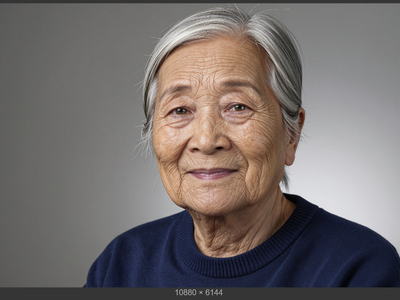
Z-Image Turbo + DyPE + SeedVR2 2.5 + TTP  16k reso
Image

Image generation

SeedVR

SeedVR2

Video

Video upscaling

Z-Image

Z-Image Turbo

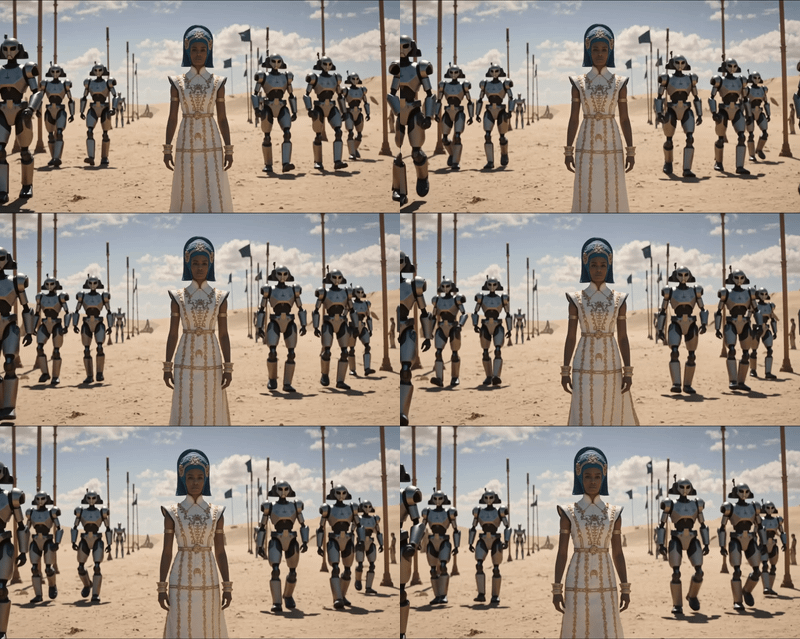
Z-Image Turbo + DyPE + SeedVR2 2.5 + TTP 16k reso

SeedVR2 and TTP Toolset 8k Image Upscale
Image

Image editing

Image to image

SeedVR

SeedVR2

Upscaling

Video

Video upscaling

SeedVR2 and TTP Toolset 8k Image Upscale

LTX 2.3 Image to Video with Two-Pass Upscaling

Image to video

LTX

Video

Video upscaling

LTX 2.3 Image to Video with Two-Pass Upscaling

Topaz Video Upscaler for Sharper Results

Topaz

Video

Video to video

Video upscaling

Upload a video, pick your enhancement model and quality level, and Topaz Video AI sharpens, denoises, and upscales it. Audio is preserved. Output is H265 MP4.

Topaz Video Upscaler for Sharper Results

Upload a video, pick your enhancement model and quality level, and Topaz Video AI sharpens, denoises, and upscales it. Audio is preserved. Output is H265 MP4.

FlashVSR for Video Upscale

FlashVSR

Upscaling

Video

Video to video

Video upscaling

Upscale your videos

FlashVSR for Video Upscale

Upscale your videos

Vertical Video Background & Scene Rebuild
Face swap

Image to image

Qwen

Video

Video editing

Video upscaling

Wan

Wan 2.1 Funcontrol

Vertical Video Background & Scene Rebuild

Vertical Video FX Insterter / Element Pass with Seedream + Wan
Reference-image

Seedream

Upscaling

Video

Video-conditioning

Video upscaling

Wan

Wan 2.1funcontrol

Vertical Video FX Insterter / Element Pass with Seedream + Wan

Vertical Video FX Inserter - Qwen + Wan 2.1 FunControl
Image

Image editing

Qwen

Video

Video to video

Video upscaling

Wan

Wan 21-funcontrol

Vertical Video FX Inserter - Qwen + Wan 2.1 FunControl

SeedVR 2 ultra resolution upscale

Image

Image editing

Image to image

SeedVR

Video

Video upscaling

Z-Image

Z-Image Turbo

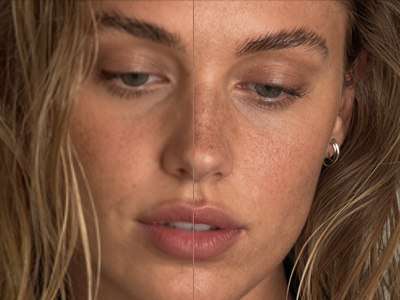
Using SeedVR 2 + UltimateSD Upscale + Z-Image Turbo to achieve extremely high resolution and sharp images.
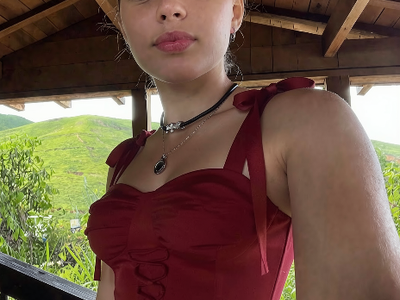
SeedVR 2 ultra resolution upscale

Using SeedVR 2 + UltimateSD Upscale + Z-Image Turbo to achieve extremely high resolution and sharp images.

Z-Image AI Influencer + Clothes & Pose Transfer

AI Influencer

Clothes transfer

Motion transfer

SeedVR

Video

Video upscaling

Z-Image

Z-Image Turbo

Create realistic AI influencer images with advanced clothes transfer, pose transfer, and cinematic styling using Z-Image Turbo + ControlNet in ComfyUI. Includes QwenVL prompt generation, Lineart ControlNet guidance, LoRA styling, and SEEDVR upscaling for ultra-detailed profession

Z-Image AI Influencer + Clothes & Pose Transfer

Create realistic AI influencer images with advanced clothes transfer, pose transfer, and cinematic styling using Z-Image Turbo + ControlNet in ComfyUI. Includes QwenVL prompt generation, Lineart ControlNet guidance, LoRA styling, and SEEDVR upscaling for ultra-detailed profession

SeedVR2 · Video Upscaler For Anime

4x upscale

SeedVR

SeedVR2

Video

Video restoration

Video upscaling

Upload a low-resolution video and SeedVR2 upscales it to 1080p in a single diffusion step, restoring fine detail, removing compression artifacts, and maintaining temporal consistency across every frame.

SeedVR2 · Video Upscaler For Anime

Upload a low-resolution video and SeedVR2 upscales it to 1080p in a single diffusion step, restoring fine detail, removing compression artifacts, and maintaining temporal consistency across every frame.

LTX 2.3 Two-Pass · Image to Video For Anime

Image to video

LTX

LTX 2.3

Two-pass

Video

Video upscaling

Upload an image and LTX Video 2.3 22B generates a 5-second video at 1080p with synchronized audio, using a two-pass pipeline that renders at low resolution first then upscales in latent space for sharp, detailed output.

LTX 2.3 Two-Pass · Image to Video For Anime

Upload an image and LTX Video 2.3 22B generates a 5-second video at 1080p with synchronized audio, using a two-pass pipeline that renders at low resolution first then upscales in latent space for sharp, detailed output.

Workflows = API

每個工作流程都是一個 API 端點。 無需建構後端,就能把 AI 生成整合進您的產品。 選擇工作流程、自訂設定,點擊「複製 Floyo API 程式碼片段」,就完成了。

進一步了解 API

MCP

平台上的每個工作流程,都能讓您自己的 AI 代理與內部工具存取,並受相同的管理員控制。

mcp.floyo.ai/mcp

閱讀 MCP 說明文件

簡易範本

開啟現成的工作流程,閱讀說明,更換輸入內容,點擊 Run。大多數人從來不需要打開任何節點。複雜的部分是選用的,都藏在幕後。

瀏覽工作流程

Trust Center

在任何人執行之前,就知道哪些是安全的。每個模型都標示 Verified Private 與 Commercial Use 狀態,還有團隊管控功能,可封鎖您未核准的模型。管理員可選擇團隊能使用哪些模型、供應商與節點。

查看 Trust Center

立即開始

免費課程

ComfyUI 101

Sebastian Kamph 的免費課程Sebastian Kamph 的免費課程

從空白畫布到 ControlNet,共十堂課。涵蓋節點、文字轉圖片、模型、LoRA、畫質放大與 KSampler 設定。無需安裝任何東西。每堂課都在這裡執行,學完後,您手上就有自己親手建立的工作流程。

開始課程

Sebastian Kamph 的 ComfyUI 101
