

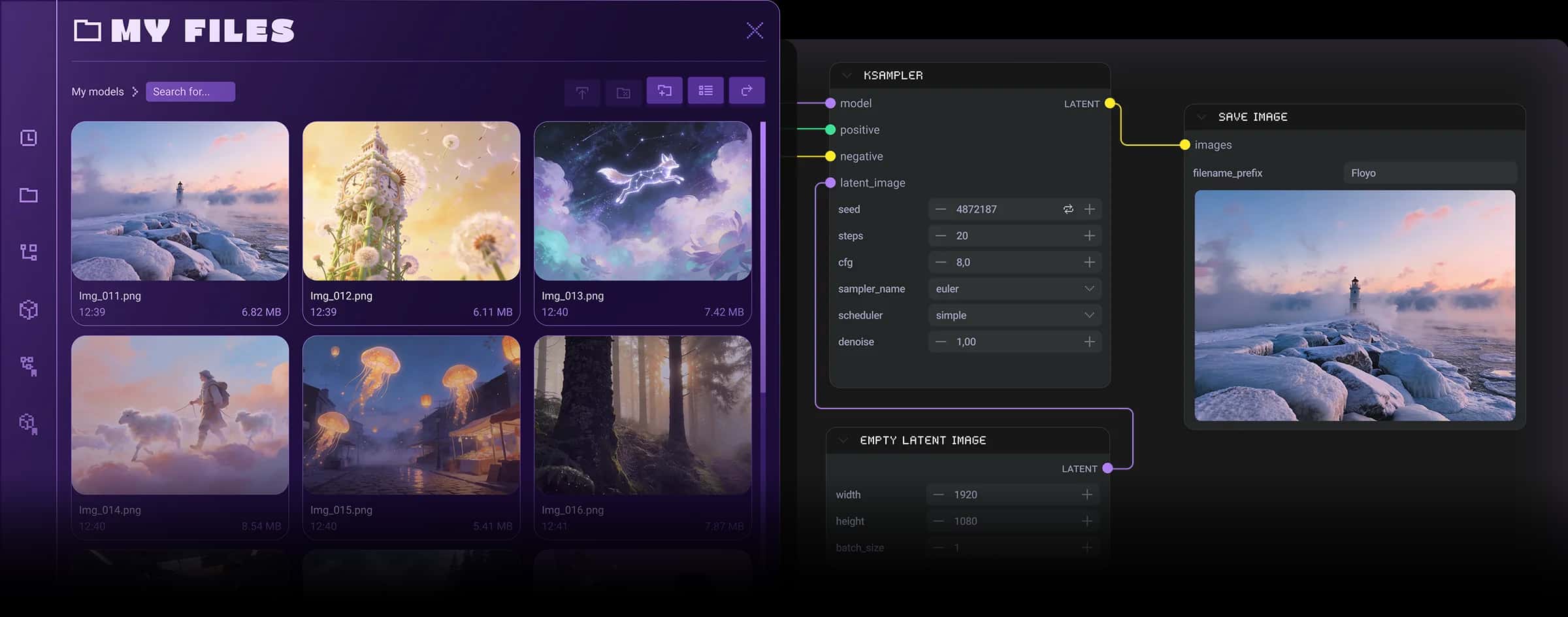
Export multiple render passes, including beauty, depth, and mattes, into multi-channel EXR sequences using a straightforward chaining system that allows for an unlimited number of passes. This tool is designed to enhance the rendering workflow in ComfyUI by providing a comprehensive solution for exporting complex image data.
- Enables the addition of multiple passes, allowing for intricate and detailed image outputs.
- Supports both IMAGE and MASK inputs, catering to various types of data and rendering needs.
- Offers customizable output settings for filenames and paths, streamlining the export process.
Context
This tool serves as a Multi-Pass EXR Exporter specifically for ComfyUI, allowing users to export various render passes into a single EXR file format. Its primary purpose is to facilitate the efficient export of complex image compositions that include multiple layers of information, such as depth and alpha channels, which are essential for post-processing in visual effects and animation.
Key Features & Benefits
The Multi-Pass EXR Exporter provides a clean and flexible chaining system that permits users to add an unlimited number of additional passes. Each pass can be named and configured individually, ensuring that the final output retains clarity and organization. The tool also automatically converts sRGB inputs to scene-linear format, which is crucial for maintaining color fidelity in professional workflows.
Advanced Functionalities
The exporter includes advanced options such as the ability to specify the bit depth of outputs (either 32-bit float or 16-bit half), and to linearize specific passes that require color space adjustments. Users can also manage the output file structure with smart naming conventions that automatically append appropriate suffixes to channels based on their names, enhancing the usability of the exported files.
Practical Benefits
By integrating this exporter into their workflow, users can significantly improve their control over the rendering process, ensuring that all necessary passes are included in a single output file. This not only enhances the quality of the exported images but also increases efficiency by reducing the number of files that need to be managed during post-production.
Credits/Acknowledgments
This tool was developed by contributors to the ComfyUI community and is released under an open-source license, allowing users to modify and enhance its functionality as needed. The implementation relies on Python packages such as OpenEXR and Imath, which are essential for handling the EXR file format.





